Keep Every Supplier and Payment in Check Across Your Events
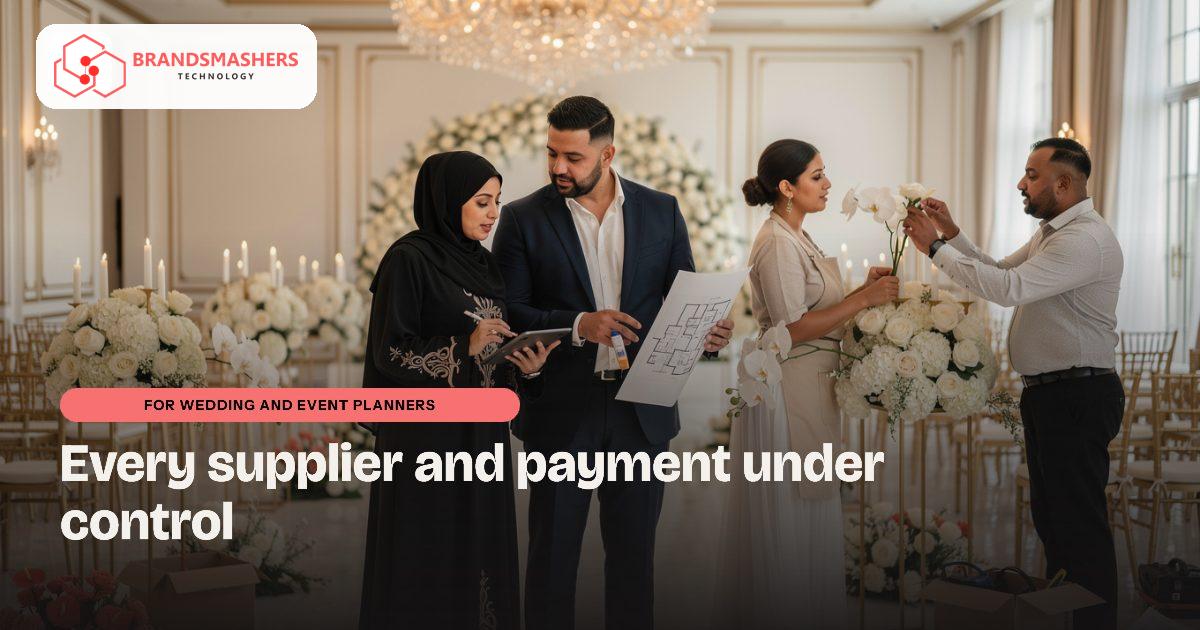
A luxury wedding or corporate gala in Dubai can involve a venue, florists, lighting, entertainers, transport and photographers. Each has its own deposit, balance date and paperwork. If one payment is missed, the event itself can be at risk, and so is your reputation with the supplier.
01.Who this is for
Event and wedding agencies in the UAE that run luxury weddings, corporate galas and launches with venues, florists, lighting, entertainers, transport and photographers will find this familiar. The spreadsheet per event stops working once several events overlap. Typical signs are a supplier chasing a deposit nobody remembered, deadlines scattered across email threads, and margins that only become clear once the event is over. If quotes in AED with VAT, plus the odd foreign currency, are tracked by hand, the agency has outgrown its tools.
02.Why the details get lost
Most planners coordinate through WhatsApp groups, email threads and a spreadsheet per event. That works for one event. With several events overlapping, nobody can see all deadlines, payments due or supplier clashes in one place.
Money is the hardest part. Clients pay in stages, suppliers want deposits early, and your margin depends on matching the two. Quotes in AED with 5% VAT and sometimes in foreign currency make manual tracking harder still.
03.What a better system looks like
A good tracker treats each event like a small project.
- An event record with date, venue, budget, tasks, owners and deadlines.
- A supplier directory with rates, contracts, deposits paid and balances due.
- Client payment schedules, invoices and receipts, with VAT shown correctly.
- A profit view per event, comparing what the client pays with supplier costs.
- A calendar across all events, flagging supplier or staff clashes.
Because planners work in many languages, client-facing documents may need English and Arabic. If you use Zoho or Odoo for accounts, the tracker should hand invoices across without re-entry. Check current rules and e-invoicing dates, which are phased across 2026 and 2027, with your adviser.
A task-system base is a sensible starting point, since so much of the work is deadlines and follow-ups.

04.How an AI add-on helps
Itinerary drafts save time at the start. Enter the event type, guest profile, venue and key moments, and the system prepares a first run-of-show with timings, which your planner edits. It can also draft supplier briefing notes from the final plan. These are drafts, and your team reviews everything before it goes to a client or supplier.
05.What to check before buying any software
- Can you see money in and out for every event on one screen?
- Can suppliers and clients receive updates on WhatsApp without learning a new tool?
- Can junior staff work without seeing your margins?
- Is client data stored securely, and can it be hosted in the UAE if needed?
- Can the system be adapted to how your agency works, and can you export your data?
06.How a first version comes together
An agency's first version treats each event as a small project and builds from there.
- 01Review a recent gala or wedding with the account manager and finance person to list every supplier deposit, balance date and client instalment.
- 02Start with event records, tasks with owners and deadlines, and a supplier directory showing deposits paid and balances due.
- 03Test it on events already in progress, so planners compare its calendar of deadlines and clashes against their current threads.
- 04Add client payment schedules, VAT invoices, English and Arabic client documents and invoice handover to Zoho or Odoo once tasks are tracked.
- 05Turn on run-of-show drafts after the core is in daily use, with planners editing timings before anything reaches a client.
07.Questions buyers ask
- Is event planner software in the UAE worth it for a small agency?
- It becomes worth considering once events start to overlap and nobody can see every deadline and payment in one place. A small first version covering event records, tasks and supplier balances can be enough. Client payments, invoicing and documents are added later, so the system grows with the agency rather than arriving all at once.
- Can it handle AED, VAT and foreign currency quotes?
- It can be built to. Client invoices can show AED totals with VAT presented correctly, and quotes in another currency can be recorded alongside. The profit view then compares what the client pays with supplier costs for each event. Check how VAT applies to your services with your adviser, and the system follows those rules.
- Can client documents be produced in Arabic?
- Yes, client-facing documents can be prepared in English and Arabic where your clients need them. Internal task screens can stay in English or whichever language your planners use. Sharing a sample proposal or run-of-show early helps the layout match what your clients already expect from your agency.
- How does the AI run-of-show draft work?
- You enter the event type, guest profile, venue and key moments, and the system prepares a first run-of-show with timings. It can also turn the final plan into supplier briefing notes. Treat both as starting points. Your planner edits them, and a member of your team checks every line before a client or supplier sees it.
Next step: If your events still run on chat groups and sheets, talk to Brandsmashers about your workflow and we can discuss a tracker built around how your team plans: brandsmashers.com/contact
NEXT STEP
Need help with this?
KEEP READING