
Preschool Franchises: Daily Parent Updates Without Staff Burnout
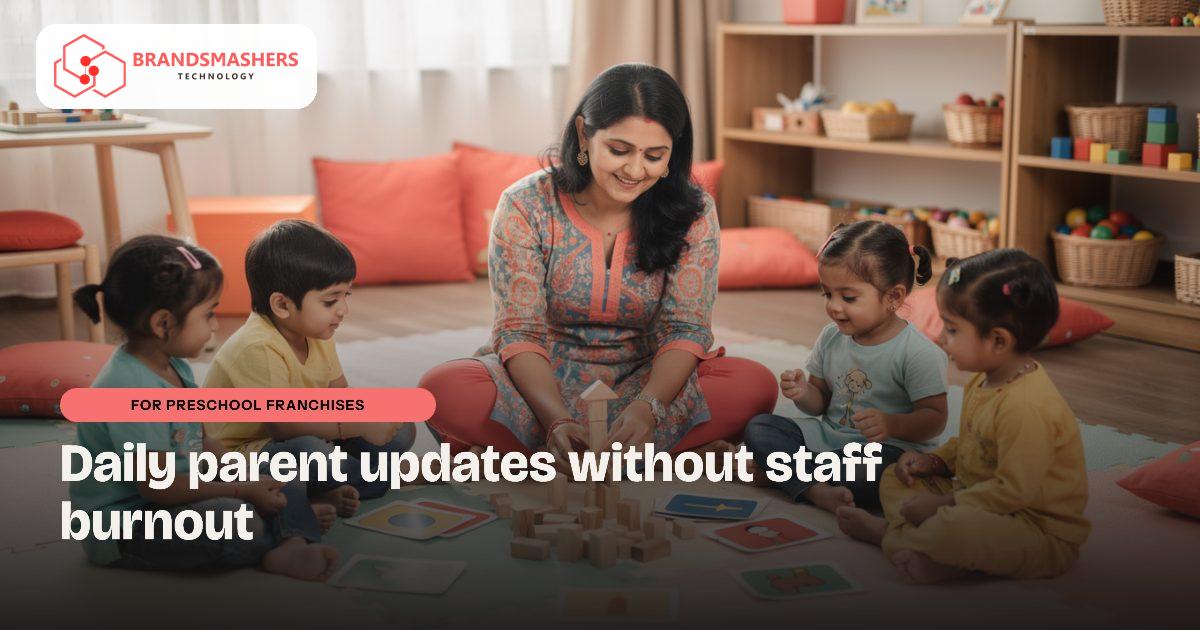
Parents of young children want to know how the day went: meals, naps, activities. Teachers end up typing the same kind of message into many WhatsApp chats after class. At the franchise head office, you cannot easily tell which centre is doing well and which is struggling.
01.Who this is for
This is for preschool and play-school franchises with several centres, where teachers send daily updates and the head office tries to compare performance. You have outgrown personal phones and chat groups if teachers spend their evenings typing meal and nap updates, if parents' questions pile up on staff numbers, and if fee reminders are sent late because they feel awkward. At the franchisor's level, the sign is every centre reporting enrolment, attendance and dues in its own way, so comparisons take real effort.
02.Why communication becomes a burden
Preschool parents expect frequent, warm updates. With no shared tool, each teacher uses a personal phone and a different style. Fee reminders are awkward to send and easy to forget. For the franchisor, every centre reports differently, so comparing them takes effort.
- Teachers spend evenings writing updates.
- Parents’ questions pile up on personal numbers.
- Franchise owners cannot see enrolment, fees and attendance in one view.
03.What a better system looks like
Two sides: the centre, and the franchise head office.
- A parent app with daily notes, photos shared with consent, attendance, notices and fee status.
- Simple teacher screens for quick entry, using tick boxes for meals, naps and activities.
- Fee plans, receipts and reminders per child.
- A franchise dashboard showing enrolment, attendance, dues and enquiries by centre.
- Hindi and English, because families differ.
- Role-based access so each centre sees only its own children.
Children’s photos and data call for strict privacy settings, so ask exactly who can view what.

04.Where AI helps
A daily-update generator can turn a teacher’s tick boxes and a few words into a friendly, readable note for each parent. The teacher reads and approves it before it goes out. This keeps tone consistent and cuts typing time, while the teacher stays responsible for what is sent.
Franchise owners also value a standard way to onboard a new centre: the same fee templates, the same daily-note format and the same parent app, so quality feels consistent for families across locations. The head office can still allow local choices where they matter, such as fee levels or festival calendars.
05.What to check before buying any software
- Can parents use it easily on a basic phone?
- How are photos stored, and can a parent request removal?
- Can the franchisor see all centres without seeing private notes?
- Can a new centre be added quickly?
- Can you export your data and leave?
06.How a first version comes together
A preschool franchise's first version is tested in a classroom before it becomes the franchise standard.
- 01Sit with teachers at one centre and note what they report daily on meals, naps and activities, and how photos are shared now.
- 02Build quick teacher tick-box screens and a parent app with daily notes, attendance, notices and fee status, in Hindi and English.
- 03Pilot it at a single centre, check photo consent settings carefully, and adjust the screens until a teacher can finish updates before home time.
- 04Add the franchise dashboard for enrolment, attendance, dues and enquiries, then create a standard onboarding pack for new centres.
- 05Add the daily-update generator once tick boxes are used consistently, with each teacher approving notes before they go to parents.
07.Questions buyers ask
- What should preschool franchise management software show the franchisor?
- It should show enrolment, attendance, dues and enquiries by centre on one dashboard. The franchisor should not see private notes about individual children. Role-based access keeps each centre to its own records while head office compares centres fairly. Owners can spot a struggling centre early and offer support before families notice a problem. Owners can spot a struggling centre early and offer support before families notice a problem.
- How are children's photos kept private?
- Photos are shared only with consent and only with the parents of that child. Ask exactly who can view what, and how a parent can ask for a photo to be removed. These settings deserve as much attention as any feature. A clear consent setting per child also makes conversations with worried parents much easier. A clear consent setting per child also makes conversations with worried parents much easier.
- Can each centre set its own fees or festival calendar?
- Yes, head office can keep standard fee templates and daily-note formats while allowing local choices where they matter, such as fee levels or festival calendars. Families then see a consistent experience, and centres keep some flexibility. A new centre can be onboarded with the same setup, so quality feels consistent for families. A new centre can be onboarded with the same setup, so quality feels consistent for families.
- Does the AI write parent messages without the teacher?
- No, the generator turns the teacher's tick boxes and a few words into a friendly note, and the teacher reads and approves it before sending. It keeps tone consistent and saves typing, but the teacher stays responsible for every message. Teachers can edit the draft freely, so the note still sounds like them. Teachers can edit the draft freely, so the note still sounds like them.
Next step: If daily updates are draining your teachers, talk to Brandsmashers about how your centres communicate today: brandsmashers.com/contact
NEXT STEP
Need help with this?
KEEP READING
More from the blog.
- FOR STUDY-ABROAD CONSULTANCIES
Study-Abroad Consultancies: Keep Every Student File and Document in Order
READ ARTICLE - FOR ONLINE TUTORING BUSINESSES
Online Tutoring Businesses: Scheduling and Payments That Run Themselves
READ ARTICLE - FOR STUDY-ABROAD CONSULTANCIES

Education Consultancy File Tracking for Study-Abroad Agents in the UAE
READ ARTICLE