
PRO Case Tracking: Visas, Licences and Expiry Dates
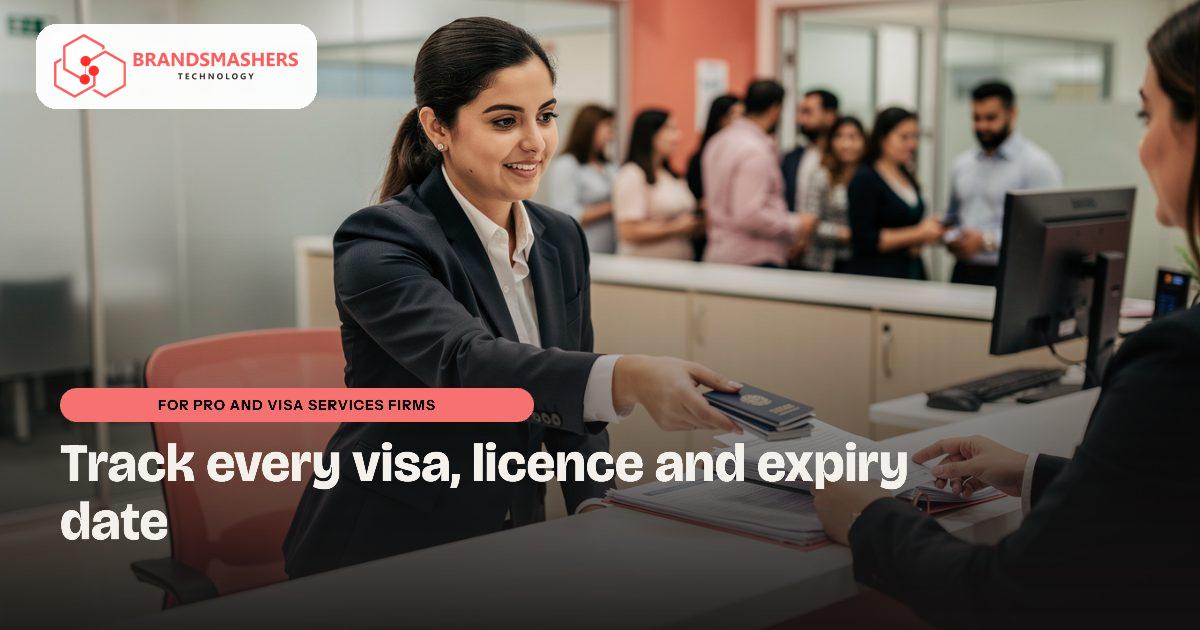
A PRO firm lives on dates. Residence visas, Emirates IDs, labour cards, trade licences and medical tests all expire on different days, for many clients at once. One missed date can mean fines or delays for your customer, and a hard conversation for you.
01.Who this is for
This is for a PRO services firm in the UAE handling residence visas, Emirates IDs, labour cards, trade licences and medical tests for many clients at once. You have outgrown chats and sheets when expiry dates are checked by eye, passport scans from WhatsApp are typed in by hand, and the order of steps lives in staff memory. Clients phone to ask where an application stands. A missed date can mean fines or delays for your customer and a difficult call for you. Government charges and fees sit in yet another file.
02.Why cases stall
Each case needs a different set of documents and steps, and the order matters. Staff keep notes in chats and sheets. When a client sends a passport scan on WhatsApp, someone reads the dates and types them in. Errors happen.
Status calls take time too. Clients ask where their application stands, and finding the answer means scrolling through messages.
03.What a better system looks like
A case tracker for a PRO firm should hold every application, document and date in one place. It should include:
- A case record with client, company, application type, stage and assigned staff
- Editable checklists by application type, so your team controls the steps
- Expiry dates for visas, IDs and licences, with reminders in advance
- A client-facing status view or message, so fewer people phone for updates
- Fees, government charges and payment status in AED, with VAT set up as your adviser directs
- Arabic and English support, with right-to-left display for documents and names
It should also suit WhatsApp-led clients, who prefer to send a photo than to log in to a portal.

04.Where AI helps
An extraction add-on can read a passport, Emirates ID or licence image and fill in names, numbers and expiry dates. Staff then confirm before saving. This cuts typing and speeds up intake. Always show the extracted value beside the image so a person can check it, especially for poor phone photos.
05.What to check before buying any software
- Ask how identity documents are stored, who can open them and whether UAE hosting is available.
- Confirm that checklists and steps can be changed by you. Government processes change, so check current requirements at the source.
- Test extraction with real, imperfect photos.
- Check data-protection obligations with your adviser.
- Make sure invoices work with your accounting tool, such as Zoho or Odoo, and check e-invoicing dates, which are being phased in during 2026 and 2027.
- Confirm that all data can be exported.
06.How a first version comes together
For a PRO firm, the first version should put every expiry date for one group of clients in one place.
- 01Map your most common application with the staff who process it, including the order of steps and the documents each needs.
- 02Agree a first version with case records by client and company, editable checklists and expiry reminders for visas, IDs and licences.
- 03Build it to accept photos from WhatsApp-led clients, with Arabic and English and right-to-left display for names and documents.
- 04Test it remotely with your team on live cases, then add fees, government charges and payment status in AED.
- 05Add the extraction add-on for passports, Emirates IDs and licences, with staff confirming every value before saving.
07.Questions buyers ask
- What should PRO services software in the UAE track?
- Every application, document and date in one place. That means a case record with client, company, application type, stage and assigned staff, plus expiry dates for visas, IDs and licences with reminders in advance. Fees and government charges should show in AED, with VAT set up as your adviser directs.
- Government processes change often. Can we update the steps?
- Yes. Checklists and steps should be editable by your team, so you control them. Check current requirements at the source, then update the checklist once. A system that needs the vendor to change every step will fall behind quickly and push staff back to their own private notes.
- Can clients just send photos instead of using a portal?
- They can. Many clients prefer sending a photo on WhatsApp to logging into a portal, so the system should accept that. The extraction add-on reads the image and fills in names, numbers and dates, and staff confirm the values before saving. A client-facing status message can then reduce phone calls.
- Will it work with our accounting and e-invoicing?
- Invoices should work with your accounting tool, such as Zoho or Odoo. E-invoicing is being phased in, so check current dates with your adviser before you commit. We would also confirm where identity documents are hosted, whether UAE hosting is available, and how all data can be exported.
Next step: If you track expiries by eye, talk to Brandsmashers about your workflow at brandsmashers.com/contact. We can sketch a tracker around your most common application.
NEXT STEP
Need help with this?
KEEP READING
More from the blog.
- FOR COMPANY SECRETARY AND CORPORATE SERVICES FIRMS

Company Formation and Renewal Deadlines, Tracked Properly
READ ARTICLE - FOR COOPERATIVE SOCIETIES AND CHIT FUNDS

Member Ledgers for Co-operatives and Savings Groups
READ ARTICLE - FOR COMPANY SECRETARY AND CORPORATE SERVICES FIRMS

Filing Deadlines for Company Secretaries, Kept in One Place
READ ARTICLE