
Skill Training Centres and ITIs: Track Batches and Placements Properly

A candidate finishes the course, gets a job, and three months later nobody at the centre knows where they work. When a partner or funding body asks for placement records, staff spend days rebuilding the list from phone calls. Many centres in Madhya Pradesh face this at every reporting date.
01.Who this is for
This is for skill training centres and ITIs running several courses, trainers and batches at once, often reporting to partners or funding bodies. Paper and sheets have reached their limit if attendance registers and assessment files sit in different cupboards, if placement status is updated only when someone remembers, and if staff phone old candidates for days before every reporting date. Trainers stopping lessons to write resumes for candidates, and candidate numbers that no longer work, are further everyday signs.
02.Why batch and placement data goes missing
Training centres run several batches, trainers and courses at once. Attendance is often on paper, assessments sit in separate files, and placement is tracked in a sheet that is updated only when someone remembers. Candidate phone numbers change, so follow-up gets harder with time.
- Attendance and assessment records are scattered.
- Placement status is updated late, if at all.
- Reports for partners are built by hand each time.
03.What a better system looks like
The candidate should be the central record, with the batch around them.
- Batch setup with course, trainer, schedule and candidate list.
- Attendance by phone, with absence flags for the coordinator.
- Assessment and certificate records linked to the candidate.
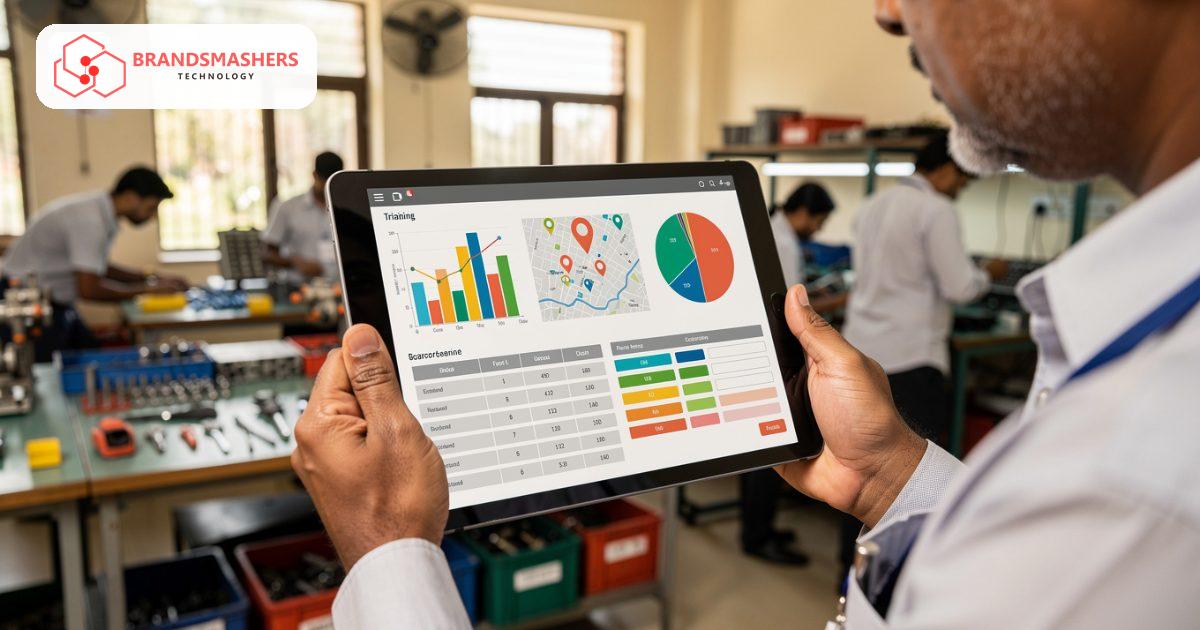
- A placement tracker: employers, interviews, offers, joining date and a follow-up reminder after joining.
- Simple reports by batch, course and period, exportable for partners and management.
- Hindi screens for trainers and candidates where needed.
Many candidates are first-time smartphone users, so mobile screens must be plain and quick to load on a weak connection.
04.Where AI helps
A resume builder can take a candidate’s course details, skills and a few answers, and produce a clean first draft of a resume in simple language. A trainer reviews it before it goes to an employer. This saves trainer time and helps candidates who have never written a resume, though facts should always be confirmed by the candidate.
Placement tracking works only when it is quick to update. A good habit is a single follow-up call or message at one month and three months after joining, logged against the candidate, so your reports to partners reflect real outcomes and not guesses.
05.What to check before buying any software
- Can it produce the reports your partners or funding bodies ask for?
- Does it work offline or on a slow connection for attendance?
- Can you control who edits attendance and results?
- Can candidate data be exported and backed up?
- Is the placement section simple enough that staff will actually update it?
06.How a first version comes together
A training centre's first version puts the candidate at the centre and keeps every screen light enough for a weak connection.
- 01Collect the reports your partners or funding bodies ask for, and work backwards to the attendance, assessment and placement fields they need.
- 02Set up batches with course, trainer, schedule and candidate list, plus phone attendance with absence flags for the coordinator.
- 03Test attendance in a real classroom with trainers using Hindi screens, including on a slow connection.
- 04Add the placement tracker with employers, interviews, offers, joining date and a logged follow-up reminder after joining.
- 05Introduce the AI resume builder once candidate records are complete, with a trainer reviewing each draft and the candidate confirming the facts.
07.Questions buyers ask
- Can skill training centre management software produce partner reports?
- Yes, reports by batch, course and period can be built to match what your partners or funding bodies request, and exported for them. The reports are only as good as the records behind them, so attendance and placement must be quick enough for staff to keep up to date. Ask to see a sample report built from test data before the placement tracker goes live. Ask to see a sample report built from test data before the placement tracker goes live.
- Will it work where the internet is weak?
- Screens for attendance should be plain and quick to load on a weak connection. Ask whether offline entry is possible for your centres. Many candidates are first-time smartphone users too, so their screens need the same simplicity. Trainers should be able to mark a full batch in about the time it takes to call the register aloud. Trainers should be able to mark a full batch in about the time it takes to call the register aloud.
- Who can change attendance and results?
- Edit rights can be limited by role, so only named staff can change attendance or assessment results. A record of each change helps when a partner questions a report. Candidate data should also be exportable and backed up regularly. Coordinators can still view everything, so reports stay complete without giving everyone edit rights. Coordinators can still view everything, so reports stay complete without giving everyone edit rights.
- Does the AI write resumes on its own?
- No, the resume builder drafts a clean first version from course details, skills and a few answers from the candidate. A trainer reviews it before it reaches an employer, and the candidate confirms the facts. It saves trainer time without removing that check. Candidates who have never written a resume get a clear starting point they can understand. Candidates who have never written a resume get a clear starting point they can understand.
Next step: If placement and batch records take too long to compile, talk to Brandsmashers about your reporting needs and we can sketch the workflow: brandsmashers.com/contact
NEXT STEP
Need help with this?
KEEP READING
More from the blog.
- FOR PRIVATE COLLEGES

Private Colleges: Admissions, Exams and Fees in One Workflow
READ ARTICLE - FOR STUDY-ABROAD CONSULTANCIES

Study-Abroad Consultancies: Keep Every Student File and Document in Order
READ ARTICLE - FOR PRIVATE COLLEGES

College Admissions, Exams and Fees in One Workflow for UAE Institutions
READ ARTICLE