The UX problem most investment platforms still haven't solved
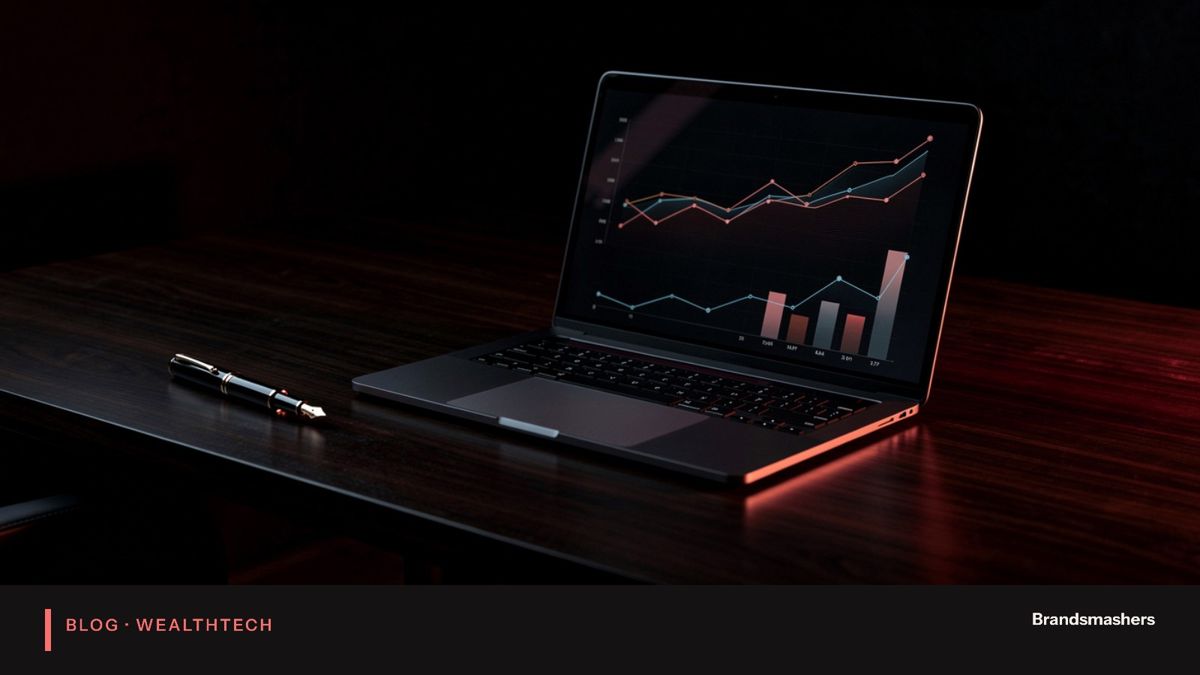
Open the portal of a typical investment platform and you will see a table. Holdings, quantities, prices, gains and losses, perhaps a pie chart. All of it is accurate. Most of it is useless to the person who just logged in, who has one question: am I going to be okay? Most platforms show numbers. Clients want to know whether they are on track. That gap is the biggest unsolved user experience problem in investing, and it is fixable.
Open the portal of a typical investment platform and you will see a table. Holdings, quantities, prices, gains and losses, perhaps a pie chart. All of it is accurate. Most of it is useless to the person who just logged in, who has one question: am I going to be okay? Most platforms show numbers. Clients want to know whether they are on track. That gap is the biggest unsolved user experience problem in investing, and it is fixable.
01.Why holdings tables fail clients
A holdings table answers the question an advisor or analyst asks: what is in the portfolio? A client usually asks something different. Can I retire when I planned? Will there be enough for university fees? Did the last market fall damage my plan?
When the screen answers a different question, clients do one of three things. They close it. They call their advisor. Or they fixate on the one number they do understand, usually the day's change, and worry. None of these is the outcome the firm wants.
There is a second cost. Because the portal does not help, advisors spend meeting time explaining basics. That time could go on decisions.
02.Lead with goals, not holdings
Start with what the client is trying to achieve. A retirement date, a home deposit, a school fund. Show each goal with its target, current value, and a plain indication of whether the plan is on track, slightly behind or needs attention.
Holdings still exist, but they sit one level down for those who want them. This inverts the usual structure, and it takes a conversation with advisors to agree how "on track" is defined. That definition should be documented, tested and reviewed by compliance, because it is a statement to the client.
03.Use plain language
Terms like "asset allocation drift" or "time-weighted return" mean something to professionals. Clients need words they use. "Your stocks are a bit higher share of your savings than planned" is better than a table of percentages.
A simple rule: if a sentence would confuse a smart friend outside finance, rewrite it. Keep the precise terms available behind a "more detail" link for people who want them.
Be honest about uncertainty. Projections are estimates, not promises. A short, calm note beats fine print.
04.Show what changed and why
Clients return to a portal to check on change. Did anything happen since last time? A good screen says: your retirement goal is slightly lower than last month because markets fell, and your plan still allows for that. Or: you added money, which moved your education goal forward.
Explanations reduce anxiety. They also reduce calls. This is where a firm's voice can show, and where an advisor's note can add something a system cannot, such as a reminder of what was agreed in the last meeting.
Always show the date a figure refers to. Two numbers from different days can look like a mistake.
05.Make the next step obvious
Every screen should suggest what to do, or make clear that nothing is needed. "No action needed" is a useful message. So is "Book a review" when a goal is off track, or "Add a document" when onboarding is incomplete.
Avoid crowding the screen with options. One clear action, placed where the eye lands, outperforms five equal buttons.
06.A worked example: the retirement goal
Take a client aged 45 with a retirement goal at 65. The old screen shows five funds, their values and returns for one, three and five years. The client sees the portfolio is up and feels fine, or sees it is down and worries. Neither feeling is tied to the goal.
The new screen shows a single line: your retirement plan is on track, and here is the projected range of outcomes. Below it, a short explanation: your savings grew this quarter because you added money and because markets rose. A button says "Review your plan with your advisor". Holdings sit one level down for anyone who wants them.
The numbers are the same. The question answered is different. The client leaves knowing their position, and the advisor does not have to explain the table in the next meeting.
07.The hard part is the definition of "on track"
Saying a goal is on track sounds simple. In practice it depends on assumptions: expected returns, inflation, future contributions, retirement age and how much volatility the plan can absorb. Different assumptions give different answers.
Decide these with advisors and compliance, write them down, and show them to the client in simple form. Avoid false precision. A range of outcomes with a plain explanation is more honest than a single number. And never change the assumptions silently, because a status that flips from on track to behind without explanation will alarm clients and burn trust.
08.Handling bad news
Sometimes a client is behind. Hiding it is wrong, and shouting it is unkind. A calm message that states the position, explains why and offers choices works best: save a little more, retire a little later, or review the plan with the advisor. Give the advisor a signal when a client's goal moves to needs attention, so the human conversation happens early. Software should start that conversation, not replace it.
09.Testing with real clients
Show the design to a small group of clients and watch them use it. Ask them to explain, in their own words, whether they are on track and what they would do next. If they cannot, the screen has failed, whatever the designers think. Repeat after each change. Measure whether calls about basic questions fall and whether more clients return each month.
10.A short build checklist
- Agree with advisors how each goal's status is defined.
- Draft plain-language text for each status and have compliance review it.
- Show as-of dates on every figure.
- Put holdings behind a clear second view.
- Add a "what changed" summary for each visit.
- Give each screen one primary next step.
- Track which screens clients open, and change what they ignore.
11.Common mistakes
- Redesigning only the visuals. A prettier table is still a table.
- Over-simplifying numbers. Plain does not mean inexact. Keep calculations rigorous.
- Skipping advisor input. Advisors know what worries their clients.
- Adding alerts for everything. Too many notifications teach clients to ignore them.
- Not measuring. Track monthly active clients and calls on basic questions, and look at them regularly.
One more mistake is to build the goal view as an add-on tab while the home screen stays a holdings table. Clients land on the home screen. Put the goals there.
Finally, keep the advisor in the loop. If clients see a view the advisor has never seen, the advisor is surprised in meetings. Give advisors the same screen, with extra notes and talking points, so both sides start from one picture.
12.What to do next
Choose one goal type, such as retirement, and build a single screen that answers whether the client is on track. Test it with a few clients and their advisors. Listen to the questions they still ask, and fix those.
Good investment software does not hide complexity. It organises it around what the client cares about. At Brandsmashers we build goals-based dashboards and advisor tools with plain-language views and compliance review built into the process. If your clients are not opening your portal, a short scoping call can help work out why.
NEXT STEP
Need help with this?
KEEP READING