Why AI just made small businesses worth building software for again
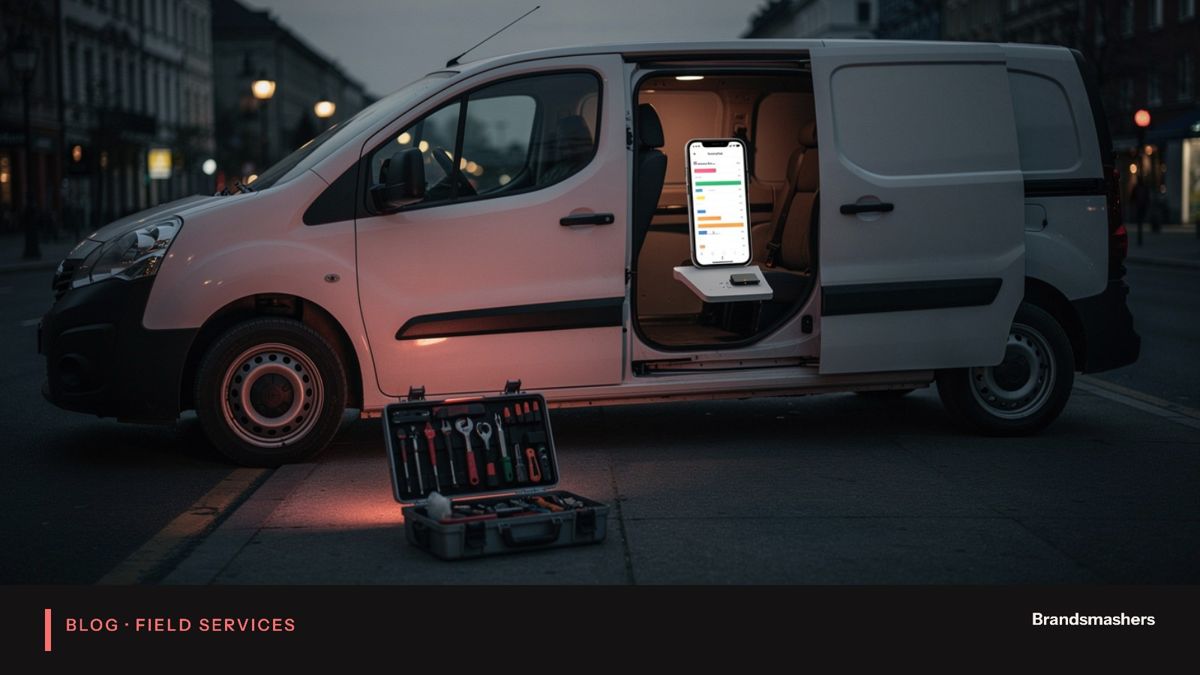
Custom software for a ten-person plumbing company used to cost too much. A good developer team would quote a figure that exceeded what the business could earn back. Owners bought off-the-shelf tools, bent their process to fit, and accepted the gaps. That is changing, and it is changing for practical reasons.
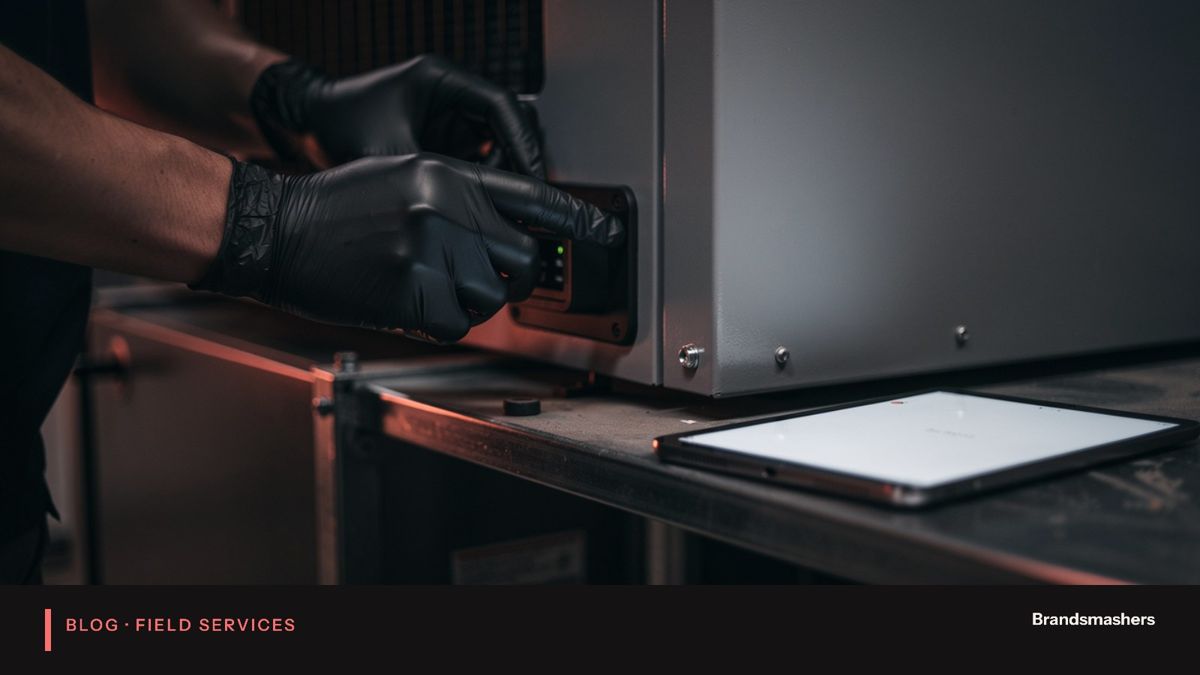
Custom software for a ten-person plumbing company used to cost too much. A good developer team would quote a figure that exceeded what the business could earn back. Owners bought off-the-shelf tools, bent their process to fit, and accepted the gaps. That is changing, and it is changing for practical reasons.
This article looks at what made small-business software uneconomic, what is different now, and how an owner can tell whether a custom system is worth building.
01.Why small businesses were left out
Software has fixed costs. Someone has to understand the business, design the system, build it, test it and look after it. For a large company, that cost spreads across thousands of users. For a company with ten staff, it does not.
So small businesses used generic tools. A scheduling app, a separate invoicing app, a spreadsheet for quotes, a phone with voicemail. Each tool did one job. Nothing connected them. The owner became the integration layer, copying details between screens at night.
The work that stayed manual was the front-desk work: answering calls, qualifying leads, booking jobs, chasing quotes, asking for reviews. These tasks need conversation, and conversation was hard to automate.
02.What changed
AI lowers building costs and lets one system handle calls, quotes and scheduling that once needed several staff.
Faster development. Tools for writing and testing code mean a small team can build in weeks what used to take months. Not everything, and not without senior review, but enough to change the maths.
Reusable components. Many parts of a field-service system are common: calendars, customer records, messaging, payment links. These are now available as components, so a build starts from a working base rather than a blank page.
AI doing front-desk work. Voice and chat agents can answer questions, collect details and book a slot. They follow rules you set. They are available at 2 am. For the first time, software can take on part of the job a person did.
That last point matters most. Earlier software helped staff work faster. This kind replaces some of the work.
03.A day in the life, before and after
Picture a heating engineer in the middle of a boiler repair. Three calls come in. Before, two go to voicemail, and one customer calls a competitor. After the engineer finishes, there are messages to return, and by the evening the jobs are gone or half-remembered.
With an AI front desk, the calls are answered. Two become bookings in the calendar. One is a quote request, with the photo the customer sent, queued for the owner. The engineer sees a short summary at lunch and a tidy schedule for tomorrow. Nothing was lost, and nobody worked late to catch up.
04.What the numbers look like for a small shop
Think about the arithmetic for a company with ten staff. It might have two people in the office, a handful of technicians and an owner who still takes calls on weekends. Most of the office day goes on the phone, the calendar and chasing quotes. Those tasks are repetitive, and they follow rules the owner could write on one page.
When a front-desk agent takes the routine share, the owner gets time back, and the business gets coverage it could never afford with people alone. A night receptionist is a large cost for a business that gets a few calls after dark. An AI agent that costs a fraction of that can cover the same hours.
The point is not to remove people. It is to stop good people spending the day on work a script can do, and to stop customers hitting voicemail.
05.What good looks like after three months
A well-run system after a quarter has some clear signs. Answered-call rate is up, and the owner can see it in a weekly report. Booked jobs are higher, and the bookings are the right kind of work in the right areas. Transcripts show fewer odd cases because the rules have been tuned. Customers rarely complain that they could not reach someone. The owner reads a short summary each morning and does not need to listen to recordings.
If these signs are missing, the cause is usually a thin script, poor calendar integration or no one reviewing transcripts. All three are fixable.
06.What a small business should ask before building
- Where do we lose money today? Missed calls, slow quotes, no-shows and gaps in the schedule are the usual suspects.
- Which of those can a script handle? Routine bookings, status questions and simple follow-ups suit AI well. Complex diagnosis does not.
- What must always go to a person? Emergencies, complaints and anything legally or financially sensitive.
- How will we know it works? Pick numbers such as answered calls, booked jobs and quote responses.
- Who owns it? Someone in the business should review transcripts and update the rules.
07.Beyond the phone
Calls are the obvious start, but the same approach works elsewhere in a field-service business. A text or web-chat agent can take photos from a customer and attach them to a quote request. A follow-up routine can message customers who received a quote and did not reply, a day or two later, in the owner's voice. A review request can go out after a completed job, when the customer is happiest. Each of these is small. Together they cover the unglamorous work that decides whether a small firm grows or stays busy but stuck.
Scheduling help is the next step. Given job types, locations and technician skills, a system can suggest a sensible order for the day and flag clashes. The owner still decides. The gain is that the first draft of the day appears without an hour of juggling.
08.Where the risks are
AI front desks fail in predictable ways. They can mishear a postcode. They can misjudge urgency. They can promise a time you cannot meet. Good design deals with these: confirm key details back to the caller, route doubtful cases to a person, and limit what the agent may say about prices and timing.
There are also data questions. Call recordings contain personal information. Decide how long to keep them, who can listen, and how callers are told about recording.
09.Common mistakes
- Buying a tool that answers calls but cannot book into your calendar.
- Letting the AI quote prices without limits.
- Skipping the urgent-call path.
- Never reading transcripts after launch.
- Building a large system before testing one small flow.
10.A short build checklist
- Record or log two weeks of real calls.
- List the top reasons people call.
- Define urgent cases and the exact hand-off path.
- Write the booking rules: areas, hours, job types, slot lengths.
- Connect the calendar and test double-booking.
- Run supervised for a few weeks, then widen.
11.What to do next
Start with the calls you miss. Count them for two weeks. Write down what the caller wanted and what a good answer would have been. That list is the specification for a first version.
Small businesses have waited a long time for software built around how they work. If you want to test whether that is now practical for your own business, Brandsmashers can help you scope a small first build and measure it against real calls.
NEXT STEP
Need help with this?
KEEP READING