Why integration is the unsexy backbone of every modern tech stack
Ask a room of engineers which part of the stack they enjoy working on. Nobody says integration. Yet if you removed it, nothing else would work.
Every product, report and AI feature depends on data moving between systems reliably. This article makes the case for treating integration as a first-class piece of engineering, and shows what good looks like.
01.The work nobody sees
Integration is the plumbing. When it works, nobody notices. An order placed on the website shows up in the warehouse system. A signed contract creates an invoice. A support agent sees the customer's plan without asking. A dashboard shows today's numbers.
When it fails, everyone notices at once. Orders are missing. Invoices go out twice. Customers repeat their story to three agents. Reports disagree.
02.What a tangle looks like
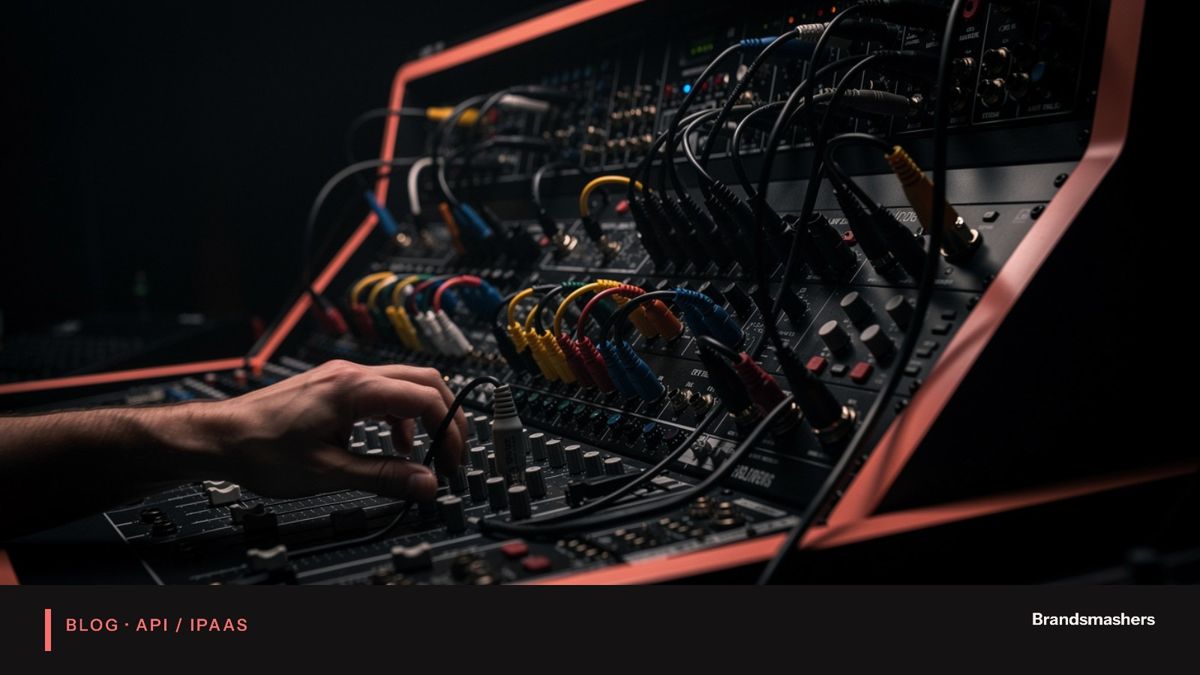
Most companies do not plan their integrations. They accumulate them. A developer writes a script to copy leads to the billing tool. A manager sets up an automation in a no-code tool. A contractor builds a nightly export. Each solves a real problem at the time.
After a few years you have the following:
- Dozens of one-off scripts with no documentation.
- Logic hidden in personal accounts and old servers.
- No agreed field meanings, so "status" means different things in different tools.
- Failures that nobody sees until a customer complains.
- Fear of change, since nobody knows what depends on what.
When integration is a tangle of one-off scripts, everything is slow and fragile. Adding a new tool takes months. Fixing a bug means detective work.
03.What good integration means
Good integration means: documented contracts, monitoring, retry handling, and one owner.
Each of these in turn:
Documented contracts. A contract says what data moves, in what format, how often, and what happens when something is wrong. It can be a short page or an API description. The point is that the sender and receiver agree and that a new engineer can read it.
Monitoring. You should know within minutes if a flow stops, slows or starts failing. That means volume counts, lag measures and alerts that go to someone who can act. A silent failure is worse than a loud one.
Retry handling. Networks fail. Systems go down for maintenance. A good integration retries temporary problems with back-off, makes sure retries do not create duplicates, and sends permanent failures to a place where a human can fix them.
One owner. Someone is responsible for the integration layer as a whole. Not a committee. Without an owner, small problems pile up and nobody feels able to change anything.
04.An example
A company sells subscriptions. When a customer signs up, the CRM must create an account, billing must start a plan and support must see the customer's tier. In a tangle, three separate scripts do this, written at different times. When billing changes a field, one script breaks. Nobody notices for a week, and a group of customers are never billed.
In a well-built version, signup produces one event. A shared layer translates it for each system. If billing is down, the message waits and retries. If a record is malformed, it goes to a review queue and an alert names the customer. The finance team sees the failure that morning, not at month end.
The business logic is identical. The difference is how it behaves when things go wrong, and things always go wrong.
05.Integration and AI
AI features raise the stakes. A model or assistant is only useful if it sees accurate, current data from several systems. If the customer record in the CRM disagrees with billing, an AI assistant will confidently say something wrong.
Good integration gives AI a reliable foundation: consistent identifiers, clear definitions and data that arrives when expected. Skipping this step is a common reason AI pilots disappoint.
06.A short checklist
- List your systems and who owns each one.
- List the flows between them, including manual ones.
- For each flow, write down the contract: fields, timing, error handling.
- Check that failures raise an alert and name the record.
- Check that retries cannot create duplicates.
- Name one owner for the integration layer.
- Review mappings in version control, not in someone's head.
07.Common mistakes
- Connecting everything to everything. Point-to-point links multiply quickly. A shared layer scales better.
- Mapping fields without agreeing meaning. A matching field name does not mean a matching definition.
- Ignoring failure paths. The happy path is the easy part.
- Matching on names. Use stable identifiers.
- Treating integration as a one-time project. Systems change, so integrations need care.
- Buying a platform to avoid design. Tools help, but they do not decide your contracts for you.
08.What to do next
Pick the integration that causes the most pain today. Document it. Add monitoring. Name an owner. Then repeat with the next. You do not need a big programme to begin, only a willingness to treat this work as seriously as the products it supports.
09.Contracts in practice
A contract does not need to be heavy. For a typical flow, one page answers the following questions:
- What triggers the flow, and how often does it run?
- Which system is the source of truth for each field?
- What are the field names, types and allowed values?
- How are identifiers matched across systems?
- What happens on failure: who is told, and how are records retried?
- How long can the data be late before it is a problem?
- Who owns this flow, and who do I ask?
Keep contracts next to the code and review changes to them like code. The first time a change breaks a contract in review rather than in production, the habit pays for itself.
10.Making the case internally
Integration rarely gets budget because it has no feature to show. Make the cost visible instead. Count the hours spent on manual re-entry and on chasing sync errors. List incidents caused by broken scripts. Note delays to new projects because of unclear data flows. A simple tally for one quarter usually makes the argument. Present it as removing a recurring cost and enabling the next product, not as a technical clean-up.
11.Ownership and change
Integrations break most often when something changes upstream: a renamed field, a new required value, an upgraded API version. Good teams plan for this. They keep a list of what depends on each system. They announce changes ahead of time. They test integrations in a staging environment before a release. And they give vendors' deprecation notices a named person who reads them.
Without this, changes arrive as surprises, usually on a Friday. With it, they arrive as tickets. The work is the same either way. The difference is whether it happens calmly.
12.Security belongs here too
Integration layers hold credentials to many systems, so they deserve care. Use dedicated service accounts with the least access needed. Store secrets in a vault, not in scripts. Log who changed a mapping and when. Remove access for systems you retire. A forgotten connection with broad rights is a quiet risk.
13.Signs your integration needs attention
- People say "check the spreadsheet, the system is probably wrong".
- A new hire needs a week to learn which tool is right for which number.
- Month-end close involves manual fixes to synced data.
- Nobody can say what happens if a particular system goes down.
- Adding a tool means a quarrel about who will connect it.
Brandsmashers Tech designs and builds integration layers, API gateways and iPaaS setups. If you would like senior engineers to untangle yours, we are happy to talk.
NEXT STEP
Need help with this?
KEEP READING