
Cinema Ticketing and POS Software: Sell Seats and Snacks in One Flow
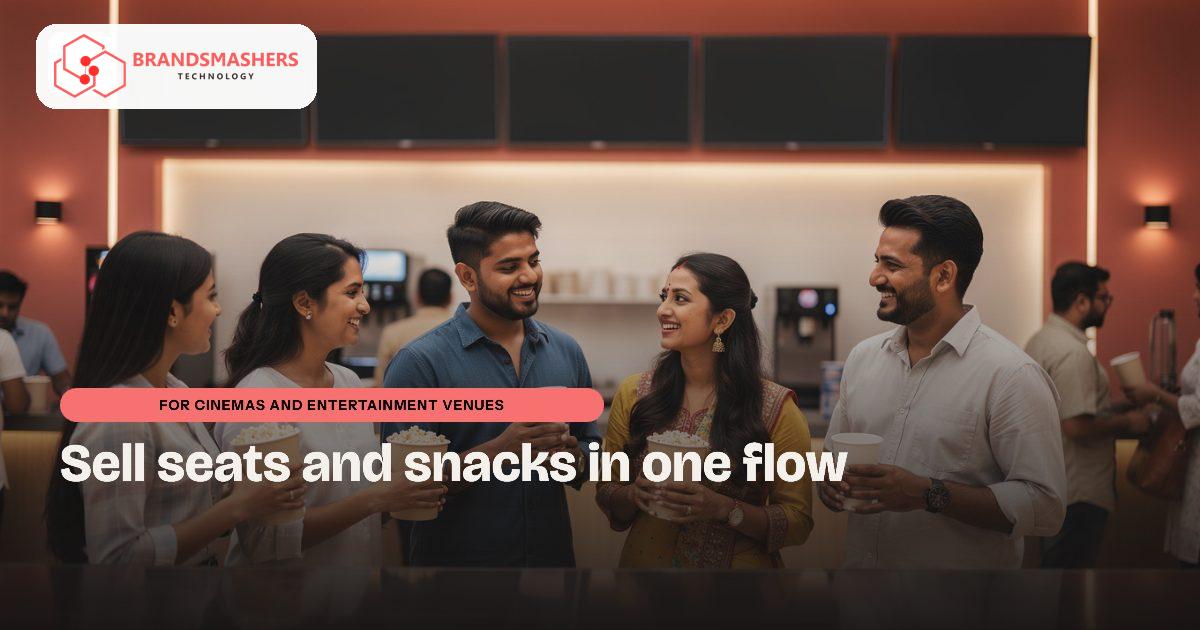
For a cinema or entertainment venue, ticket sales and the food counter often run on separate systems. The result is a long queue, mismatched reports and a manager reconciling two sets of numbers at closing time.
01.Who this is for
This is for single-screen halls, small multiplexes and entertainment venues in towns like Indore, Bhopal and Jabalpur. You have outgrown separate systems when the ticket counter and the snack counter produce reports that never match, when a show looks full online with seats still free, and when the manager reconciles two sets of numbers at closing. If weekend rushes expose wrong prices and failed counters, and lean staff need tools that just work, a joined-up ticketing and POS system makes sense.
02.Why it happens
Ticketing, snacks, parking and event bookings are frequently bought at different times from different vendors. Each has its own login and report. Weekend rushes expose the cracks: a failed counter, a wrong price or a show that looks full online but has seats free.
Independent single-screen halls and small multiplexes in towns like Indore, Bhopal or Jabalpur also face lean staffing, so tools must be simple.
03.What a better system looks like
A joined-up system treats the visit as one transaction:
- Show scheduling with screens, timings and pricing by seat class
- Counter and online booking from the same seat inventory
- Food and beverage POS with items, combos and stock count
- Pre-booked food orders linked to a ticket
- GST-ready billing and end-of-day reports for tickets and food together
- Staff roles so each counter sees only what it needs
Where a venue shares data with distributors or uses an existing ticketing platform, the system should work around those arrangements, not ignore them. Check what your agreements require before changing anything.
Think about the owner’s view too. A single end-of-day report showing tickets, food, discounts and refunds saves the late-night reconciliation, and it makes it easier to spot which shows and items actually earn their place on the schedule.
04.How an AI add-on helps
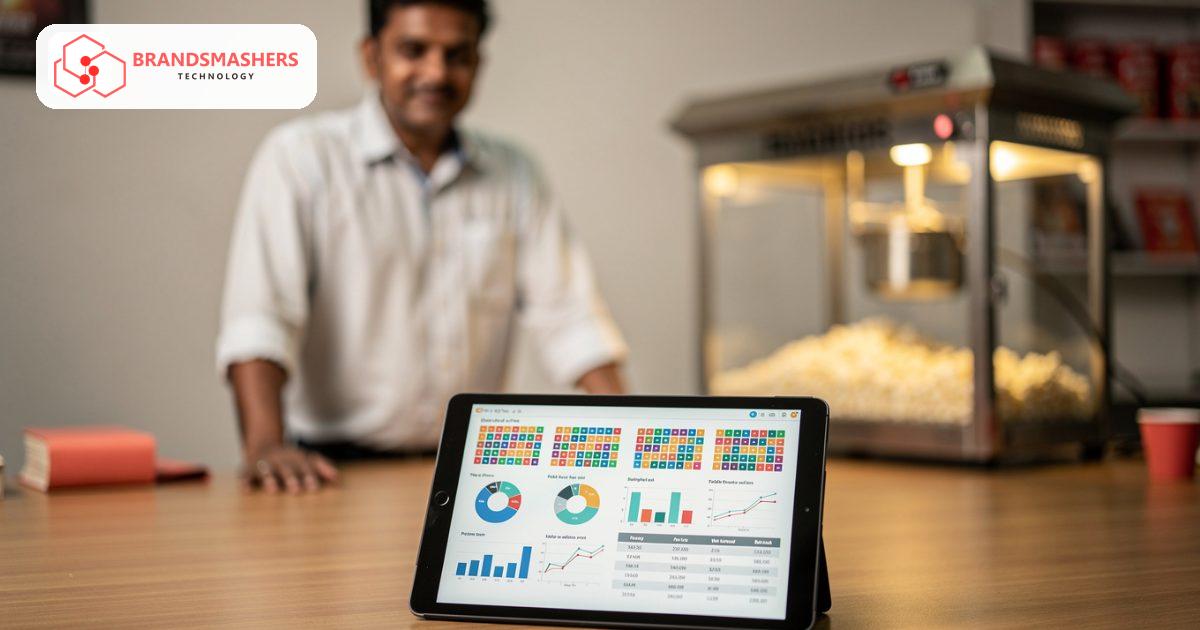
A demand forecast can look at your past ticket and food sales by day, show and season, then suggest how much stock to prepare and how to staff the counters. Think of it as a sensible starting guess for the manager. Film releases, holidays and local events change the picture, so the manager adjusts the numbers using local knowledge.
The forecast improves only if your sales history is recorded consistently, which is another reason to keep everything in one place.
05.What to check before buying any software
- Can it keep selling at the counter if the internet is down?
- Does it prevent double-selling a seat across online and counter channels?
- Can it handle the printers, scanners and card machines you own?
- How are refunds and failed payments recorded?
- Is your sales data exportable and stored securely?
Test during a real busy show before committing.
06.How a first version comes together
For a cinema, a first version treats a visit as one transaction from ticket to snack.
- 01We watch your counters during a real show to see how tickets, food and refunds are handled and recorded.
- 02We agree a first version with show scheduling, one seat inventory for counter and online booking and food POS.
- 03Staff test it during a busy show, using your printers, scanners and card machines, before the old setup is switched off.
- 04Pre-booked food linked to tickets, GST-ready billing and a single end-of-day report are added next.
- 05The demand forecast is introduced once sales history is recorded consistently, with the manager adjusting its suggestions.
07.Questions buyers ask
- How does cinema ticketing and POS software in India stop double-selling?
- Counter and online bookings draw from the same seat inventory, so a seat sold in one channel disappears from the other immediately. We test this during a busy show before go-live. Where you use an existing ticketing platform, we plan around those arrangements rather than ignoring them. Online and counter staff then trust what the screen shows, which shortens queues during weekend rushes.
- Can the counter keep selling if the internet goes down?
- This needs planning before the build, and we treat it as essential. We agree how counters continue during an outage and how sales sync afterwards. The answer depends on your setup, so we work it out with you rather than assume. Lean staff in single-screen halls need a clear routine for this, so we keep the steps short and practise them together.
- Will it work with the hardware we already own?
- We check your printers, scanners and card machines early. Many can be used with a new system. If any cannot, we explain the options clearly so you can decide whether replacement is worthwhile. Using existing equipment where possible keeps the change smaller and lets staff work with machines they already know.
- How accurate is the demand forecast?
- Treat it as a sensible starting guess. It looks at past ticket and food sales by day, show and season, then suggests stock and staffing. Your manager adjusts it for film releases, holidays and local events. It improves only when sales are recorded consistently. Even a rough starting figure helps counters prepare sensibly, and the manager's local knowledge keeps it grounded.
Next step: If your ticket desk and food counter do not talk to each other, tell Brandsmashers how your venue runs and we can discuss a joined-up system. Reach us at brandsmashers.com/contact.
NEXT STEP
Need help with this?
KEEP READING
More from the blog.
- FOR TEMPLE AND RELIGIOUS TRUSTS

Temple Trust Donation Software: Clear Receipts and Smoother Events
READ ARTICLE - FOR WASTE AND RECYCLING OPERATORS
Waste and Recycling Software: Track Pickups, Weights and Payments
READ ARTICLE - FOR TEMPLE AND RELIGIOUS TRUSTS

Religious Trust and Community Donation Software UAE: Receipts and Events in Order
READ ARTICLE