ISP Billing and Complaint Software: Keep Subscribers and Fix Faults Faster
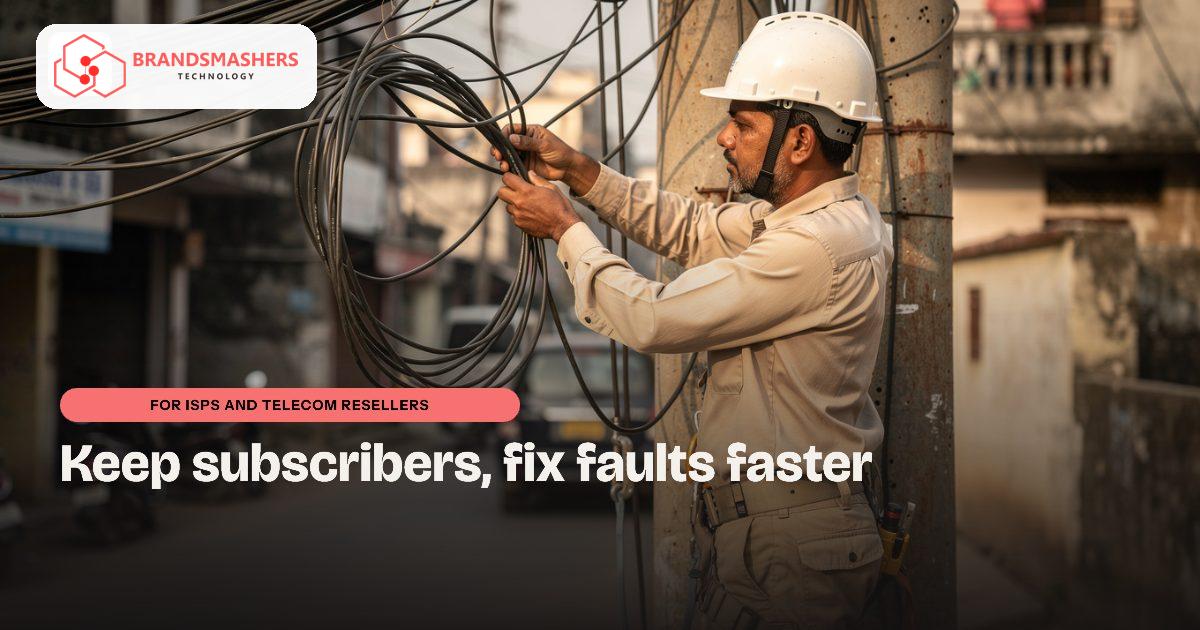
If you run a local broadband or cable internet business, you know the monthly cycle: chase payments, answer the same complaint three times and wonder which area has a real fault. Subscribers leave when problems feel ignored, and ignored is often just disorganised.
01.Who this is for
This is for local broadband and cable internet operators, and telecom resellers in Madhya Pradesh towns, where one person often handles billing, support and dispatch. You have outgrown spreadsheets when the same subscriber complains three times and nobody knows, when UPI payments and cash collected by field agents are matched by hand, and when a locality-wide fault looks like a dozen separate problems. If month-end means chasing payments by memory, a connected billing and ticketing system will ease the load.
02.Why it happens
Subscriber lists often sit in spreadsheets or an older billing tool. Complaints come by phone and WhatsApp, and technicians are told verbally. Nobody records the fix or how long it took. Payments through UPI, cash collection agents and online links need to be matched by hand.
For smaller operators in Madhya Pradesh towns, one person often does billing, support and dispatch. That is a lot of context to hold in your head.
03.What a better system looks like
Think of two connected parts, billing and ticketing:
- Subscriber profile with plan, address, installation details and equipment
- Automatic monthly invoices with GST, and reminders before and after the due date
- Payment matching for UPI, online links and field collection
- A complaint ticket for every issue, with owner, status and time taken
- Area-wise view so repeated complaints from one locality stand out
- Simple tools for field agents on a phone
Hindi support for agent screens and customer messages helps, since many subscribers and technicians prefer it. Where you already use Tally or Zoho for the books, invoices should flow across.
Think about collections as well as complaints. A clear list of overdue accounts by area, with a reminder sent automatically, often brings in payments that were only late because nobody asked politely. That helps cash flow without any awkward calls.
04.How an AI add-on helps
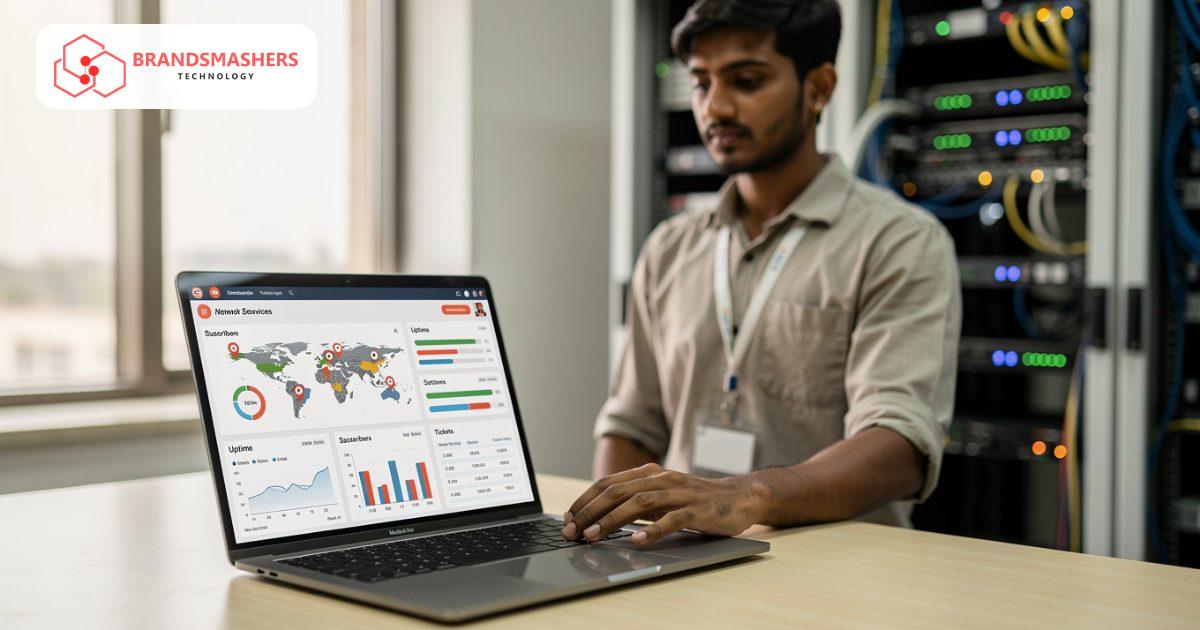
Complaint triage reads incoming messages, labels them as slow speed, no connection, billing query or installation request, and routes them to the right person. A flag can appear when several subscribers from the same area report a fault, hinting at a shared cause. Staff still decide and reply; the tool just sorts the pile so urgent items do not wait.
05.What to check before buying any software
- Can it work with your existing network or radius setup, if you use one?
- Can it handle prepaid, postpaid and partner-collected billing the way you sell?
- Is subscriber data stored securely, with sensible staff permissions?
- Can you export everything if you switch tools later?
- Who supports it when billing day goes wrong?
Ask to see it handle a few of your real tricky accounts.
06.How a first version comes together
For a local ISP, the first version links subscriber billing to complaint tickets.
- 01We sit with your billing person, support staff and a field agent to see how payments and complaints are handled now.
- 02We agree a first version, usually subscriber profiles, monthly GST invoices and a ticket for every complaint.
- 03Staff test it with a few of your tricky accounts, such as partner-collected or prepaid plans, before switching over.
- 04Payment matching for UPI and field collection, area views and overdue reminders are added once billing day runs cleanly.
- 05Complaint triage comes next, sorting incoming messages so staff can reply to urgent faults first.
07.Questions buyers ask
- What should ISP billing software in India handle?
- It should create monthly GST invoices automatically, send reminders before and after due dates and match payments from UPI, online links and field collection. It should also hold plan, address and equipment details on one subscriber profile, so billing and support work from the same record. Where you keep the books in Tally or Zoho, invoices can flow across so your accountant does not enter them again.
- Can field agents use it on a basic phone?
- Yes. Field tools are kept simple, so collection agents and technicians can record payments, update tickets and see their jobs on a phone. Screens can be in Hindi, which many technicians prefer. We test with your agents before rollout. Each payment collected in the field is tied to the subscriber straight away, so the office no longer matches slips at night.
- Can it connect to our network or radius setup?
- It depends on what you run, so we check before promising. Where a connection is possible, plans and subscriber status can stay in step. Where it is not, we explain what can still be achieved and agree the trade-offs with you. Either way, billing and ticketing still share one subscriber record, which is where most of the daily time is saved.
- How does complaint triage decide where a message goes?
- It reads each incoming message and labels it, for example slow speed, no connection, billing query or installation request. It then routes it to the right person and flags several complaints from one area. Staff still decide and reply. The tool only sorts the queue. When several subscribers from one locality report a fault, the flag hints at a shared cause so a technician can be sent once.
Next step: If billing and complaints are stretching your small team, describe your setup to Brandsmashers and we can talk about a system built for it. Contact us at brandsmashers.com/contact.
NEXT STEP
Need help with this?
KEEP READING