One Dashboard for Every Vendor and Payment in a Wedding
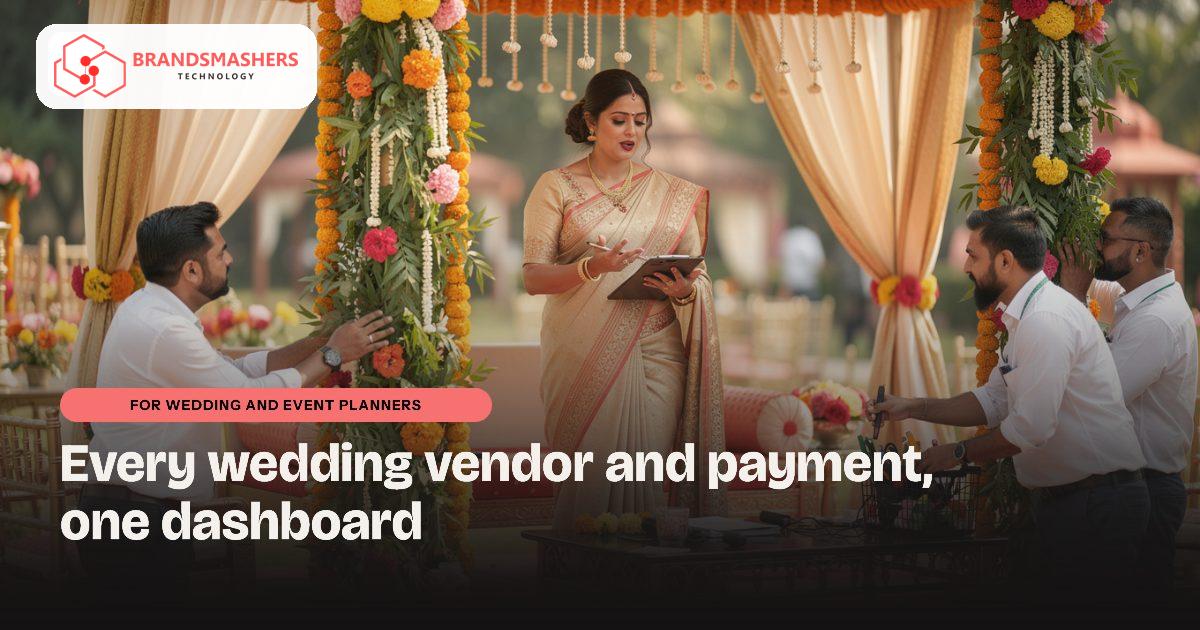
A wedding planner may have a decorator, a caterer, a photographer, a band and a hotel to coordinate, each with a different payment schedule. Remembering who has been paid what, and who is waiting on a balance, is the part that keeps planners awake. One missed payment can put an event at risk.
01.Who this is for
This is for wedding and event planners who coordinate decorators, caterers, photographers, bands and hotels for several families in the same season. You have outgrown chat groups and notebooks if every wedding has its own WhatsApp group and sheet but nothing shows the whole season, if coordinators keep asking the same questions, or if you only find out after an event that vendor payments ate your margin. Discovering that one photographer is booked for two ceremonies on the same date is another clear sign.
02.Why the details slip
Most planners in Bhopal, Indore and Jabalpur run events through WhatsApp groups, notebooks and spreadsheets. Every event has its own group and its own sheet, so there is no single view across all the weddings in a season. Team members ask the same questions again and again.
Payments are the weak point. Client advances come in stages, vendor advances go out in stages, and the margin you earn depends on matching the two. Without a ledger per event, you only discover a loss after the event.
03.What a better system looks like
Think of a tracker that treats each event as a small project.
- An event record with date, venue, guest numbers, budget and a task checklist with owners and deadlines.
- A vendor list with rates, contracts, advances paid and balances due.
- Client payment schedule, receipts and reminders, with GST invoices where applicable.
- A simple profit view per event, showing what the client paid, what vendors cost and what is left.
- A season view showing clashes, such as the same photographer booked on one date.
Because the work is about tasks and follow-ups, it can start from a task system that your team already finds easy, then add the payment and vendor parts on top.

04.How an AI add-on helps
Itinerary drafts are a good fit. Give the system the event type, ceremonies and timings, and it prepares a first schedule for the day, such as haldi, sangeet and pheras, which your planner edits and shares. It saves typing, not judgement. You can also use it to draft vendor briefing messages from the final plan, which your team reviews before sending.
05.What to check before buying any software
- Can you see money in and money out for each event on one screen?
- Can vendors and clients get updates on WhatsApp without logging in to anything complicated?
- Does it let a junior coordinator work without seeing your margins?
- Can it be adjusted for your style of events, rather than a fixed template?
- Can you take your data with you if you move on?
06.How a first version comes together
For a planning business, the first version usually starts with the tasks your team already tracks and adds money on top.
- 01Take one recent wedding and map every task, vendor advance and client instalment with the lead planner and coordinators.
- 02Agree a first version built on an event record with a task checklist, owners and deadlines, plus a vendor list with rates and balances.
- 03Load the current season's events and let coordinators run their daily follow-ups in it while the old sheets are kept for checking.
- 04Add client payment schedules, GST invoices where applicable and the per-event profit view, with margins hidden from junior staff.
- 05Introduce itinerary drafts for haldi, sangeet and pheras once events are recorded consistently, with a planner editing every draft.
07.Questions buyers ask
- What does wedding planner management software need to show?
- It needs to show money in and money out for each event on one screen. Alongside that sit the task checklist, vendor rates and balances, client instalments and a season view that flags clashes. If you can open one wedding and see what the family has paid, what each vendor is owed and what is left, it is doing its job.
- Can a junior coordinator use it without seeing our margins?
- Yes. Access can be set by role, so a coordinator sees tasks, timings and vendor contacts while the owner sees the profit view. This lets you hand more day-to-day follow-up to your team without sharing what you charge the client against what vendors cost. You decide what each role can see.
- Will vendors and clients have to log in to something?
- Not necessarily. Vendors and families can receive updates on WhatsApp without learning a new tool, while your team works in the system behind the scenes. Many planners prefer this, because decorators and photographers are already used to chat messages. Only your own staff need logins, and the screens can work on their phones.
- How is AI used, and who checks it?
- AI is used to draft, not to decide. Given the event type, ceremonies and timings, it prepares a first schedule for the day and can draft vendor briefing messages from the final plan. Your planner edits the schedule and reviews every message before it is sent. It saves typing, and the judgement stays with your team.
Next step: If your events run on chat groups and sheets, talk to Brandsmashers about your workflow and we can sketch a tracker built around how your team actually plans: brandsmashers.com/contact
NEXT STEP
Need help with this?
KEEP READING