The hidden risk living inside your open-source dependencies

Open any modern application and count the lines of code your team wrote. Then count the lines in everything it depends on. The second number is usually much larger.
That is not a criticism. Reusing open-source code is how software gets built quickly. But it creates a risk that most teams underestimate, because much of it sits out of sight. This article explains where the risk lives and gives a routine that keeps it manageable without slowing your team.
01.Most of your application is someone else's code
Most applications are mostly third-party code. You install a web framework. It depends on a dozen packages. Each of those depends on more. A small project can easily pull in hundreds of packages, and a large one thousands.
Your team chose a handful of them. The rest arrived automatically. Nobody on your team reviewed them, and many may have only one volunteer maintainer.
Picture an iceberg. Your code is the visible part above the water. The dependencies are the mass below. You steer by what you can see, but what sinks you is usually underneath.
02.A flaw several layers down can still reach you
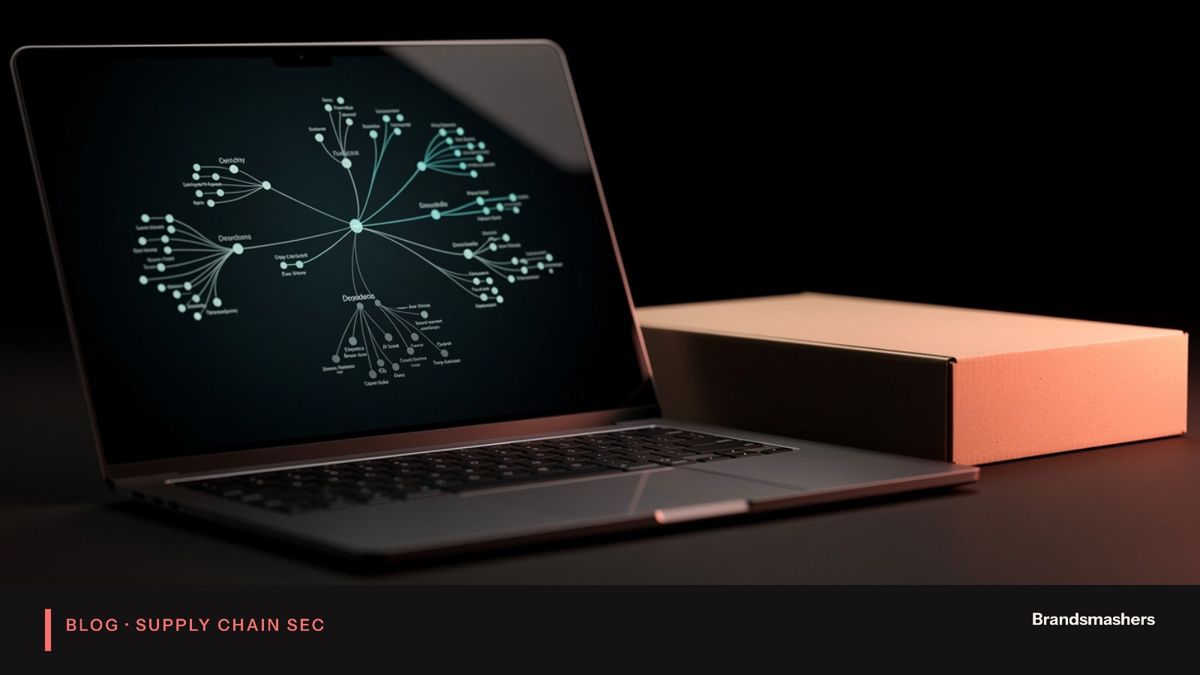
Say your application uses library A. Library A uses B. B uses C. C has a serious flaw. You never installed C and it does not appear in your list of direct dependencies. But it runs inside your application, with the same permissions as everything else.
This is why scanning only your declared packages is not enough. The risk sits in the transitive layers. Attackers know this too. They target widely used small packages because one compromise reaches many applications at once.
Three things go wrong again and again:
- Known vulnerabilities in old versions. A fix exists but nobody upgraded.
- Abandoned packages. The maintainer left, and issues pile up unanswered.
- Malicious or tampered packages. A name that looks right but is not, or a legitimate package that was taken over.
03.An example of how it plays out
A team adds a small utility for formatting dates. It looks harmless. It pulls in a parsing library, which pulls in a helper that was last updated years ago. Months later, a flaw is announced in that helper. The team's own scan shows nothing, because it only looks at direct packages.
With full-tree scanning, the finding appears on the day. The owner sees the path: utility, parser, helper. They check whether the vulnerable function is reachable, upgrade the parent, and ship the fix. Without it, the flaw sits there until someone outside finds it first.
04.Reduce risk: a practical routine
Reduce risk: keep an inventory, scan continuously, pin and update versions, remove unused packages, review new dependencies.
Each step in detail:
- Keep an inventory. Know what you ship. Generate a software bill of materials from your builds, so you can search by package and version.
- Scan continuously. Check the inventory against public vulnerability advisories on every build and on a schedule. New advisories appear after you ship, so a clean scan today says nothing about next month.
- Pin and update versions. Commit lockfiles so builds are repeatable. Then update on a regular rhythm, small and often. Large upgrades after two years of neglect are painful and risky.
- Remove unused packages. Every package you drop is one less thing to watch. Teams are often surprised how many are leftovers from experiments.
- Review new dependencies. Before adding a package, ask who maintains it, how recently it was updated, how many other things it drags in, and whether you could write the small piece yourself.
05.Build controls that matter
Dependencies are only part of the picture. Where the code is assembled also matters, because a build is a place where trusted and untrusted things meet.
- Pin build tools and base images. Avoid "latest" tags that change under you.
- Limit what builds can reach. A build runner with broad network access and wide credentials is a target.
- Sign what you produce. Signed artefacts let you check that what you deploy is what you built.
- Use a private mirror or proxy where practical. It gives you a place to apply policy and a record of what was fetched.
- Keep secrets out of builds. Short-lived credentials beat long-lived keys in environment files.
06.Policies that help without blocking everyone
Rules work better when they are few and clear. A starting set might be:
- No known critical flaws in release builds, unless an exception is approved and time-limited.
- No packages from unreviewed sources.
- A lockfile in every repository.
- New direct dependencies need a quick review note in the pull request.
- Licences outside an agreed list need legal sign-off.
Start in report-only mode for a few weeks. Show developers what would have been blocked. Fix the noisy rules, then enforce. A gate that developers trust will be left on. A gate that cries wolf will be switched off.
07.Common mistakes
- Scanning only at release. Vulnerabilities are announced daily. Scan on a schedule too.
- Alert fatigue. If every finding is marked urgent, none are. Tune by severity, reachability and exposure.
- Updating everything at once. Batch upgrades hide the change that broke something.
- Trusting a package because it is popular. Popularity makes it a better target.
- No owner. Findings without a named person go stale.
- Blocking everything on day one. Start in report-only mode, agree rules, then enforce.
08.What to do next
This week: list your five most important applications and generate an inventory for each. Run a full-tree scan and see what you find. Choose one rule you can enforce, such as no known critical flaws in release builds.
Next month: add lockfile checks, a regular update rhythm and a simple review for new dependencies.
You do not need to eliminate third-party risk. You need to see it, and act on it before it acts on you.
09.How to handle a real finding
Scanning produces findings, and findings need a routine, or they pile up. A simple flow works for most teams.
- Confirm the finding is real. Check the package version actually in the build, not just the one in the manifest.
- Check exposure. Is the package in production code or only in tests? Is the vulnerable function used? Is the service reachable from outside?
- Pick the fix. Usually this means upgrading the parent package. If no fix exists, consider replacing the package, applying a vendor workaround or adding a compensating control.
- Set a deadline by severity. Agree the deadlines in advance so no one has to argue each case.
- Verify and record. Rebuild, rescan, and note the outcome.
If you cannot fix quickly, write down the exception, the reason, the owner and an expiry date. An exception with no end date is a decision to ignore the problem.
10.Choosing what to depend on
Prevention is cheaper than cleanup. Before adopting a package, look at a few signals. Is it actively maintained, with recent releases and responses to issues? Does it have more than one maintainer? Is its dependency tree small? Is its licence compatible with how you use it? Is it widely used enough that problems are found quickly, but not so obscure that nobody is watching?
None of these guarantees safety. They help you avoid obviously poor choices. Keep a short list of approved packages for common needs, such as date handling or HTTP clients, so each team does not make a fresh choice every time.
11.A note on speed
Teams sometimes worry that all this will slow delivery. In practice the opposite happens once the routine is in place. Small, regular updates are quick and low-risk. Large, forced upgrades after an incident are slow and stressful. Spending a little time every week avoids spending a lot of time in a crisis.
Brandsmashers Tech helps engineering teams build this routine into their pipelines. If you want senior engineers to set it up and hand it over, we are happy to talk.
NEXT STEP
Need help with this?
KEEP READING