What Industry 4.0 actually looks like on a factory floor
Say "Industry 4.0" and most people picture robots on a gleaming floor. Walk into a real plant doing this well and you rarely see that. You see screens on the wall showing live output, a technician looking at a tablet before a machine breaks, and a quality manager who can tell you which batch a defect came from in a minute.
Say "Industry 4.0" and most people picture robots on a gleaming floor. Walk into a real plant doing this well and you rarely see that. You see screens on the wall showing live output, a technician looking at a tablet before a machine breaks, and a quality manager who can tell you which batch a defect came from in a minute.
Industry 4.0 is usually less dramatic and more useful than the pictures suggest. This article describes what it looks like on a factory floor, how to start, and the mistakes that waste money.
01.Machines that report their own status
The first building block is simple: a machine knows if it is running, stopped, slow or faulted, and it says so. Many machines already hold this information in their controllers. It just never leaves the cabinet.
Getting it out means connecting to PLCs through the protocols they support, or adding sensors to older equipment. Once the status is available, everything else becomes possible. You can count output, time stops and see which machine is the real bottleneck. Without it, people rely on memory and paper.
A common surprise: the machine you thought was the problem is not. When a plant first measures downtime by cause, the biggest loss is often a change-over, a missing material or a slow start-up, not a breakdown.
02.Screens showing live output
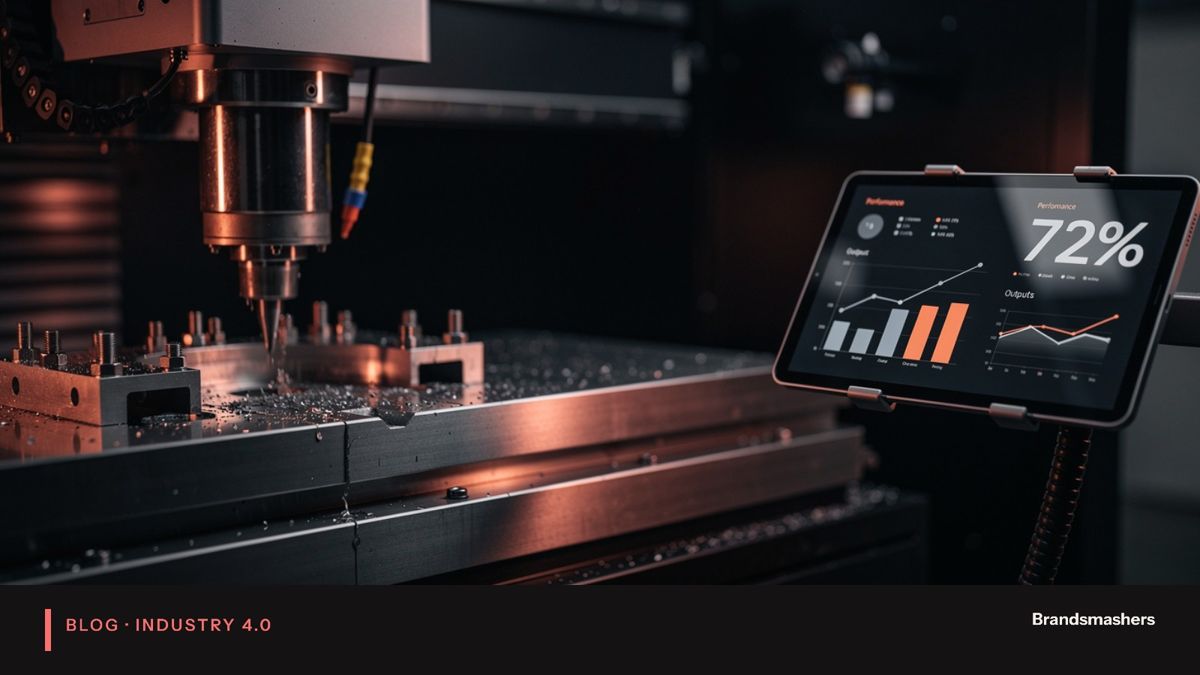
The second building block is visibility. A screen at the line, and one in the manager's office, show the same numbers: what was planned, what has been made, how long machines have been stopped and why.
The most useful metric to start with is OEE, which combines availability, performance and quality. It is not perfect, but it gives everyone a common language. The key is to agree the definitions first. What counts as planned downtime? What is the ideal cycle time? If those are unclear, two shifts will produce two different OEE numbers for the same line, and the dashboard loses trust on day one.
Keep screens plain. Large numbers, a few colours and a short list of current issues. Operators will read what helps them and ignore the rest.
03.Alerts before a part fails
The third building block is prediction. Machines tend to give signs before they fail: a bearing runs hotter, vibration changes, a motor draws more current. A system that watches those signals can warn the maintenance team early.
This is where expectations need care. Prediction works best on critical machines with a history of failures and measurable signs. It is not a cure for everything. Start with simple limits and trends. Add models when you have enough data to know what normal looks like for each machine. And have the maintenance team judge the alerts. If technicians stop believing them, the system is finished.
Done well, you convert an emergency into a planned stop. The repair still happens, but in a window you chose, with parts on the shelf.
04.Records that link quality issues to batches
The fourth building block is traceability. When a defect appears, you want to know which batch, material lot, machine and shift was involved. On paper this takes hours or days. With connected records it takes minutes.
This matters for customers, for audits and for improvement. If one machine on one shift produces most of a defect, you can fix the cause instead of sorting everything.
05.Start with one line and one problem
This is the most important advice in the article. Pick one line and one problem: downtime, scrap or changeovers. Connect only what that problem needs. Show the data on the floor. Measure the effect. Then expand.
A plant that tries to connect everything at once usually ends with a large project, many half-finished integrations and little change on the floor. A plant that picks a single line, proves value and then repeats the pattern builds support as it goes.
06.What the data usually shows first
The first month of real data tends to surprise people. A few patterns come up again and again.
Small stops matter. A machine that halts for forty seconds twenty times a shift does not look like a problem on paper, yet it can lose more time than one long breakdown. Paper logs rarely record these stops. Connected machines record all of them.
Changeovers are often longer than planned. The standard says twenty minutes and the line takes forty, because material is not at hand or a setting is adjusted by trial and error. Once the time is visible, teams find simple fixes: staging material, standard settings, a checklist.
Speed loss hides in plain sight. A machine can run all shift and still produce below its rated pace because operators slow it to avoid jams. The dashboard shows running time that looks fine and output that does not. OEE exposes that gap because it separates availability from performance.
Each of these gives you a first improvement project that costs little. That is why a modest first deployment often pays for the next one in effort and goodwill.
07.Who needs to be involved
A project like this touches more than IT. You need an operations lead who owns the problem, a maintenance lead who knows the machines, an operator or two who will use the screens, and someone from IT or security who understands the network. If one of those is missing, the project slows. Name them at the start and meet weekly. It sounds basic and it is the best predictor of whether the project lands.
08.Build or buy, and how to decide
Teams often ask whether to buy a packaged platform or build their own. Neither answer is right everywhere. Packaged products are quicker for standard needs such as OEE on common machines. Custom work fits when your equipment is unusual, your processes are specific, or you need the data to flow into systems the package does not support. Many plants end up with a mix: a bought core and small custom connectors.
Whatever you choose, insist on owning your data and on open interfaces. A system that traps your machine data in a closed format will cost you later. Ask how you would export everything if you changed supplier in three years. The answer tells you a lot.
A last practical point: write down what you will not connect yet. Scope that is stated is easier to defend than scope that quietly grows.
09.Common mistakes
- Starting with the platform, not the problem. Buying a big system before you know what you want to fix.
- Skipping the operators. Dashboards built in an office tend to answer office questions.
- Undefined metrics. Different definitions of OEE or downtime across shifts.
- Ignoring security. Connecting machines without thinking about network separation and access.
- Expecting prediction without data. Models need history. Start by collecting it.
10.A short checklist for your first project
- Choose one line and one problem.
- List the machines, controllers and protocols involved.
- Agree metric definitions with the plant team.
- Connect read-only first.
- Put the numbers on a screen at the line.
- Review results after a month, then decide the next step.
11.Closing
Industry 4.0 is not about replacing people with robots. It is about machines that report, screens that show, alerts that warn and records that link. Start small, prove it and grow. If you are planning a first project on your plant floor, Brandsmashers builds production dashboards, machine connectivity and predictive maintenance, and can help you scope it.
NEXT STEP
Need help with this?
KEEP READING