Why AgriTech is the most underserved vertical in software right now
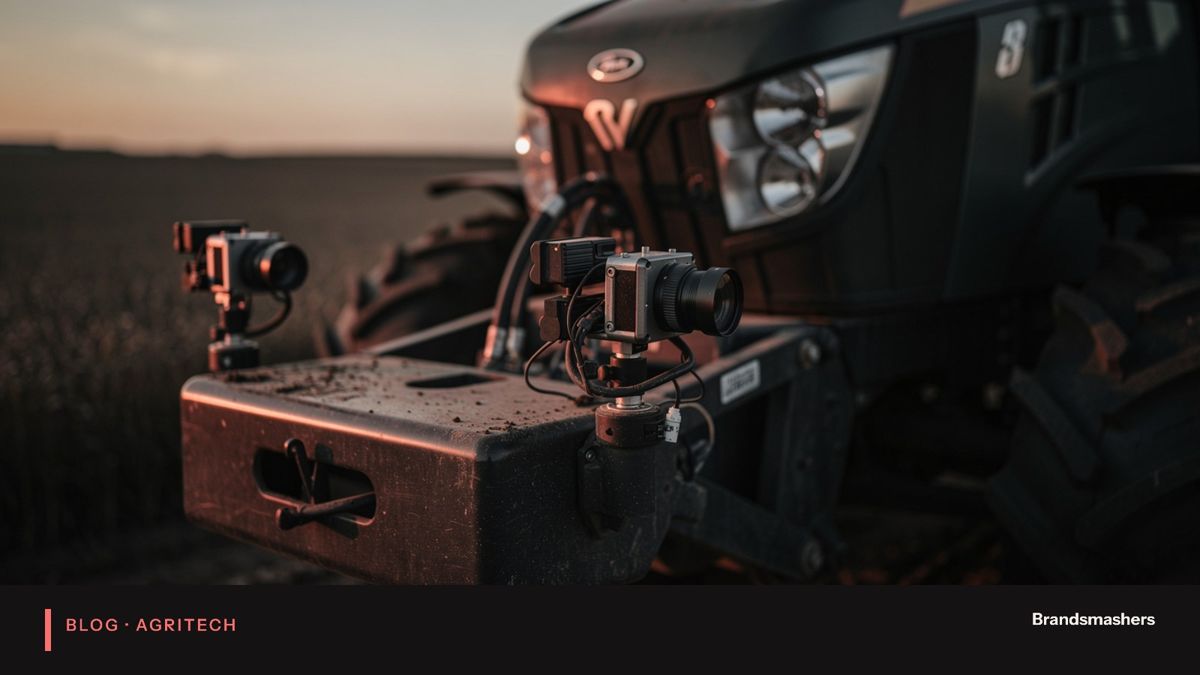
Agriculture runs on data (weather, soil, prices, machinery) yet much of it is still handled on paper, in spreadsheets or in tools built for other industries.
Walk into a typical farm office and you will see it. A whiteboard of tasks. A spreadsheet of fields. A weather app on a phone. A folder of invoices. Each is useful, but none talks to the others. Compare that with logistics or retail, where software has been central for years. Farming has had less attention from software teams. This article explains why, and why that is starting to change.
01.Why it has been neglected
There are four main reasons. Each one is a real constraint, not an excuse.
1. Buyers are fragmented: many small operators, not a few large enterprises. A software vendor likes a small number of large customers. Farming offers a large number of small ones. Sales and support costs per customer are high. Pricing that works for a large estate may not suit a smallholder. Many vendors looked at that and went elsewhere.
2. Connectivity in fields is unreliable, so cloud-only products fail. Many tools assume a constant internet connection. A farm hand in a far field has none. If the app needs a connection to save a record, it fails at the moment it is needed. Products built for the office are simply not usable in the field.
3. Seasonal cycles mean long feedback loops for software teams. A web shop can test a change in a day. A crop takes a season. If you build a feature for irrigation in spring, you may not learn whether it worked until harvest. That slows iteration and tests the patience of teams and investors.
4. Domain knowledge is a barrier for generic software vendors. Crops, soils, local practices, input regulations and market chains vary a great deal. A team that does not understand them builds the wrong thing. Features that look sensible on a whiteboard fail on the farm: forms with too many fields, alerts at the wrong time, concepts that do not match how people talk about the work.
02.Why that is changing
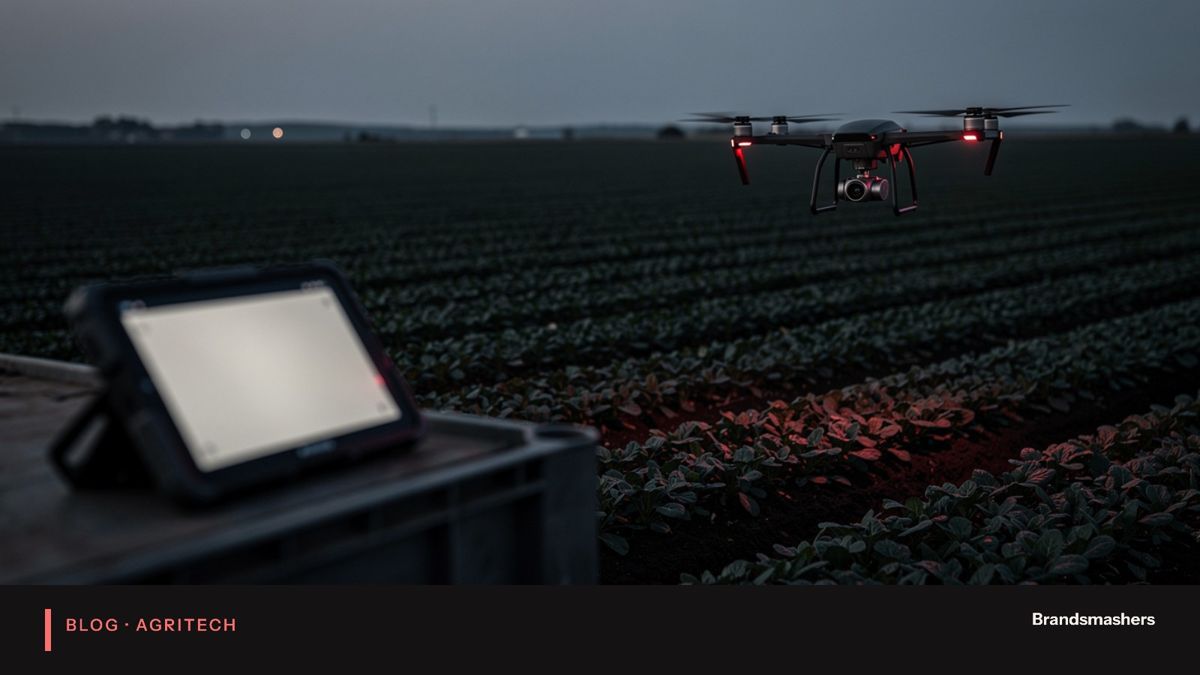
Cheaper sensors, satellite imagery and AI make it practical to serve farms profitably. Teams that learn the domain and design offline-first have little competition.
Consider what has shifted:
- Sensors that once cost too much to put in every field are now affordable for many operations.
- Satellite imagery is available regularly and can be processed into useful indicators without anyone leaving the office.
- Phones are in every pocket, and good ones. They can serve as the field computer, camera and GPS in one.
- Modern tools make it possible to build and run data pipelines without a large infrastructure team.
03.A day in the field, and what software must handle
Picture a supervisor at six in the morning. She has twelve tasks across five plots. She needs to know which to do first. She opens an app at the farm gate, where there is signal, and it syncs. She drives out. At the second plot there is no signal. She logs a pest sighting with a photo, marks an irrigation valve as faulty and records two hours of labour. All of this is saved on the phone.
At noon, at a plot near the road, the phone finds a connection. The app syncs quietly. Meanwhile a colleague has also edited the same valve record from the office. The system has to cope. It should not drop either change, and it should not silently pick one. It should merge what it can and ask a person about the rest.
Now think about the same day for the office manager. She sees the day's work come in late, in batches. She needs to know what is fresh and what is stale. Every number on her dashboard should show when it was last updated.
Software that works in this setting has to handle sync conflicts, partial data, old data and intermittent power as normal events. Most failures we see in field software come from treating them as rare.
04.Trade-offs in practice
- Local storage against freshness. Storing everything on the device makes the app reliable, but data can be out of date. Show timestamps and prefer small, frequent syncs.
- Cheap sensors against many sensors. A few good sensors in well-chosen spots often beat many poor ones. Placement matters more than count.
- Automation against control. Fully automatic irrigation saves labour but needs trust. Begin in advisory mode and let people hand over control as the evidence builds.
- One platform against many tools. A single app is easier to learn, but a tool built for one job, such as scouting, may fit that job better. Choose based on what the team will use.
05.What good AgriTech software looks like
A few design principles keep appearing in projects that work.
- Offline first. The app stores everything locally and syncs later. Connectivity is a bonus, not a requirement.
- Fit the user's hands and eyes. Large buttons, readable in sunlight, usable with gloves, a few taps for common tasks.
- Expect bad data. Sensors drift, fail and get knocked over. Pipelines check for gaps and absurd values and say when they are unsure.
- Keep the farmer in charge. Software recommends and explains. The farmer decides, and can override.
- Start narrow. One crop, one problem, one region. Prove it works before you widen the scope.
06.Who benefits first
The first winners are usually mid-sized operators and co-operatives with enough land to feel the cost of waste, and enough structure to adopt a tool together. A co-operative can buy sensors for many members and share the dashboard. An exporter can require traceability from growers and provide the app. Input suppliers can bundle software with advice.
Smallholders benefit too, but often through these intermediaries. A simple phone app that records plots, inputs and sales is a strong start, since it creates the records that lenders, buyers and insurers ask for.
07.A short checklist for a first build
- Spend a day on a farm before writing a line of code.
- Write the user's three most frequent tasks and make them quick.
- Design the offline behaviour first and the online behaviour second.
- Decide how you will handle conflicting edits.
- List the hardware that can fail and what the software does when it does.
- Pick measures of success that the farm itself cares about.
08.Common mistakes
- Copying an office product into a field setting. The workflow and screens need to be redesigned for field work.
- Skipping site visits. You will not learn how people work from a video call.
- Over-promising from a short trial. A few weeks is not a season. Be honest about what has and has not been shown.
- Ignoring hardware reality. Sensors need installing, cleaning and replacing. Plan for maintenance as part of the product.
- Building for the buyer and not the user. A manager may sign the contract, but the field team decides whether it gets used.
09.What to do next
If you are thinking of building in this space, start with a short, focused discovery. Spend time on a few farms. Write down what people do in a normal day and where they lose time. Choose one problem where better information would change a decision, such as when to irrigate or where to scout first. Then design for the worst connection you will meet.
If you are on the farming side and want better tools, ask vendors how their product behaves with no signal, what happens when a sensor fails, and how they handled a full season of testing.
At Brandsmashers we build field-ready software with full-stack, mobile, data and IoT engineers, and we are happy to talk through what a first version could look like for your operation.
NEXT STEP
Need help with this?
KEEP READING