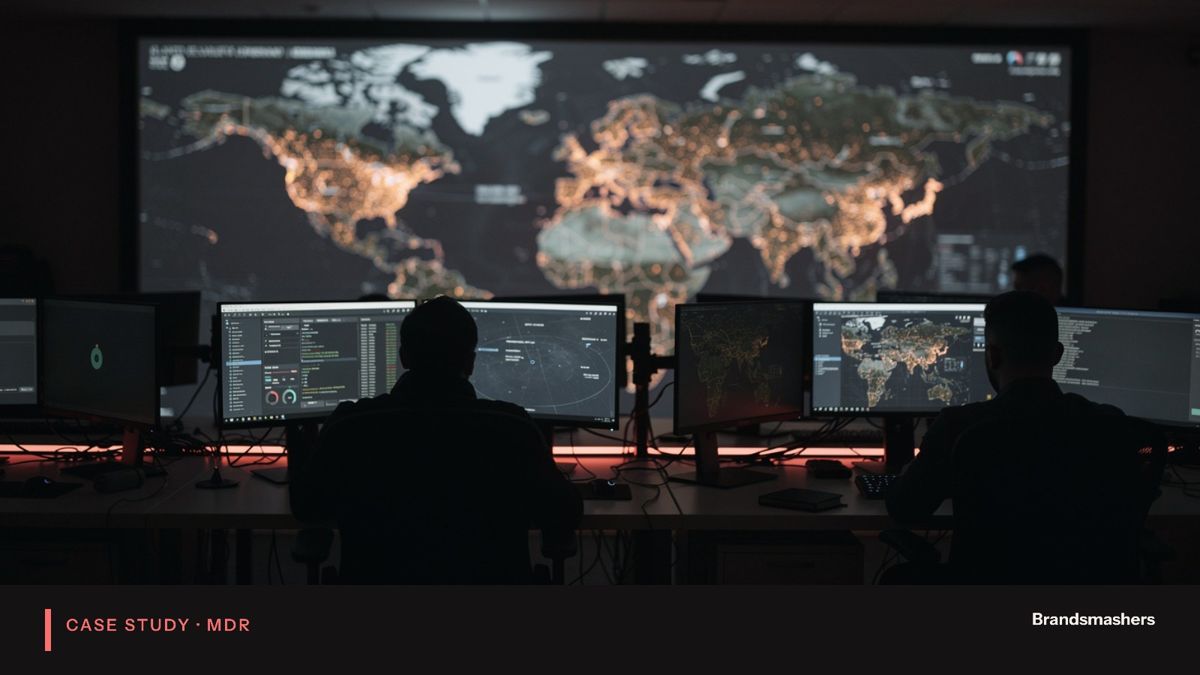
CASE STUDY · MANAGED DETECTION & RESPONSE (MDR)
Deploying 24/7 threat monitoring for a client with no security team.
- 1212 simulated high-risk events detected during validation
- 10 minutesMean time to detect under 10 minutes in tests
01 · PROJECT OVERVIEW
The client and the brief.
An anonymised mid-market B2B services company. Name withheld under confidentiality.
Managed monitoring, alert triage, response playbooks and monthly reporting.
- 1The company had no security staff and no visibility into threats.
- 2IT looked after laptops, accounts and cloud services, and treated security as one more task on a long list.
- 3Logs existed, but nobody read them.
- 4Customers were starting to ask about monitoring and incident response in their security questionnaires, and the company had no good answer.
- 5Leadership wanted real protection and evidence it worked, without hiring a team.
02 · WHAT WENT WRONG
What went wrong, and how we fixed it.
Every engagement hits problems. These were the ones that mattered here, and what we changed so they did not come back.
- PROBLEM 01In the first weeks, the alert volume was higher than the IT team could handle
A lot of it came from remote staff who travelled and logged in from new places, and from one backup tool that looked like data theft. Left alone, that noise would have worn out trust in the service.
- PROBLEM 02We tuned the rules against real behaviour, added known travel and tool patterns, and moved low-risk items out of the live queue into the weekly report
We also asked IT to tell us about planned changes in advance. Alerts that reached IT dropped to those that needed a human decision, and the team started to read them again.
- PROBLEM 03One data source stopped sending logs for a short period after a configuration change by the client
Nobody noticed until our own health checks flagged the silence. A quiet log source looks like a quiet network, which is dangerous. We added alerts for sources that stop reporting, and asked IT to tell us before changing logging settings.
- PROBLEM 04We added alerts for sources that stop reporting, and asked IT to tell us before changing logging settings
03 · THE PROCESS
How we ran it.
We kept the setup simple and moved in steps.
- 01Scoping and access
we agreed the sources that mattered most: endpoints, identity and cloud. We left lower-value sources for later.
- 02Baselining
a short learning period, with rules tuned as we watched real activity.
- 03Playbooks and escalation
plain-language steps agreed with IT and a named business contact, so actions had approval before any incident.
- 04Validation
simulated high-risk events, run to see whether we detected and handled them properly.
- 05Reporting
the first monthly report in month one, then monthly after that.
We met IT every week in the early period, then moved to a lighter cadence once the volume of alerts settled.
04 · RESULTS
What changed.
Measured against the way the work ran before the engagement began.
- NOW 01
Someone is watching, day and night, and IT is no longer the only line of defence.
- NOW 02
IT tells the monitoring team about planned changes and new systems.
- NOW 03
Customer security questionnaires are answered with evidence, including reports and test results.
- NOW 04
Management reads a monthly report and uses it to decide on fixes.
- 12
12 simulated high-risk events detected during validation
- 10 minutes
Mean time to detect under 10 minutes in tests
First monthly report delivered in month one
05 · WHAT WE BUILT
How it works.
- Logs from endpoints, the identity provider and cloud accounts were collected in one place.
- Detection rules looked for behaviour rather than known bad files: logins from unusual places, privilege changes, mass file access, new forwarding rules on mailboxes and unexpected admin tool use.
- Analysts triaged every alert and wrote up those that mattered.
- Response playbooks covered disabling an account, isolating a device and forcing a password reset.
- For each, the playbook said who must be told and what we needed from them.
- The monthly report listed incidents, trends and recommended fixes.
- What went wrong, part two
- One data source stopped sending logs for a short period after a configuration change by the client. Nobody noticed until our own health checks flagged the silence. A quiet log source looks like a quiet network, which is dangerous. We added alerts for sources that stop reporting, and asked IT to tell us before changing logging settings.
- Controls
- Access for analysts was limited to what monitoring needed, and every response action was recorded with a reason. The client could see what was done on their systems and why.
- Handover
- We held a review at the end of the first quarter to look at coverage gaps, open recommendations and the next sources to add.
06 · QUICK ANSWERS
The short version.
- What problem did the client have?
- The company had no security staff and no visibility into threats. IT looked after laptops, accounts and cloud services, and treated security as one more task on a long list. Logs existed, but nobody read them. Customers were starting to ask about monitoring and incident response in their security questionnaires, and the company had no good answer. Leadership wanted real protection and evidence it worked, without hiring a team.
- What did Brandsmashers build?
- Managed monitoring, alert triage, response playbooks and monthly reporting.
- How was the work run?
- We kept the setup simple and moved in steps.
- What were the results?
- 12 simulated high-risk events detected during validation; mean time to detect under 10 minutes in tests; first monthly report delivered in month one.
YOUR TURN
Have a similar requirement?
Tell us what is stuck. We will come back with a plan and matched, pre-vetted engineers.