
Cloud Kitchen Software: Reconcile Aggregator Payouts Without the Spreadsheet Fight
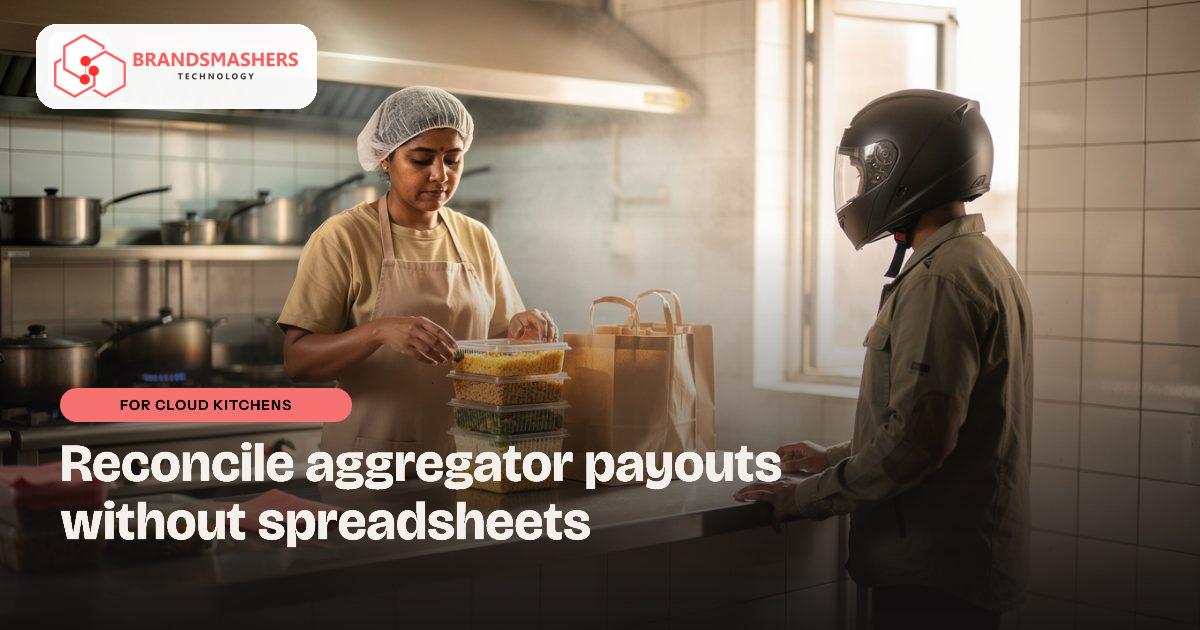
Your orders come from several delivery apps, and each pays you on its own schedule with its own deductions. At month end the payout never matches what you expected, but proving the difference means comparing long statements line by line. Most owners give up and accept the loss.
01.Who this is for
This is for cloud kitchens in India that sell mostly through delivery aggregators, sometimes with several brands from one kitchen. You have outgrown the spreadsheet fight when every platform pays on its own schedule with its own commissions, promotions and penalties, and the payout never matches what you expected. Orders arrive on multiple tablets, so the kitchen team juggles screens. Popular dishes run out while still showing as available. Most months you suspect money is missing but do not have the time to prove it.
02.Why the problem happens
A cloud kitchen has no dine-in counter to balance against. Everything flows through aggregators, which charge commissions, delivery shares, promotions and sometimes penalties. Each platform formats its statements differently, and refunds or cancelled orders add more noise.
Meanwhile, orders arrive on multiple tablets and the kitchen team juggles them. Stock is tracked loosely, so a popular item can run out while it still shows as available.
03.What a better system looks like
An order hub brings orders from every platform, plus your own WhatsApp or phone orders, into one screen for the kitchen. It prints or displays tickets, tracks preparation status and keeps one record per order.
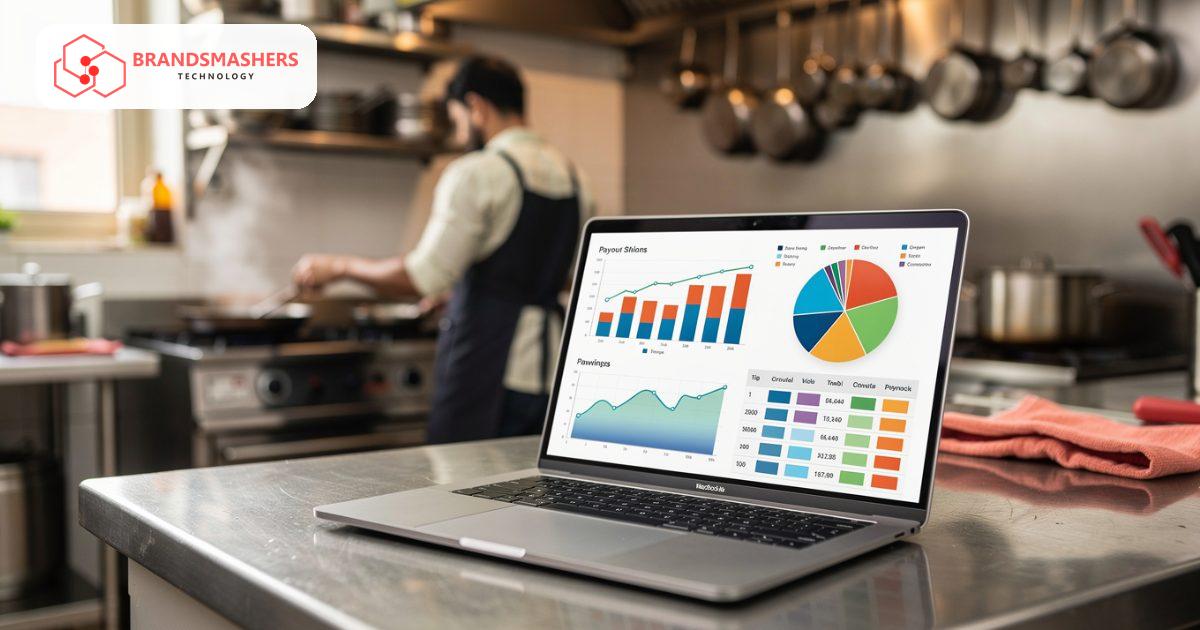
Reconciliation then compares each platform’s payout statement against the orders you actually fulfilled. It highlights missing orders, wrong commission, unexplained deductions and cancellations that were charged to you. You get a list of disputes ready to raise with the platform, with evidence attached.
Inventory links to the menu, so when a key ingredient runs low the system can warn you or hide the dish. GST on aggregator charges can be confusing, so share clean reports with your adviser and follow their guidance.
04.How an AI add-on helps
Menu analytics studies which dishes sell, which have high returns or poor ratings, and which earn the best margin after platform charges. It might suggest removing a slow item or bundling two popular ones. Treat it as input for your decision, since your chef knows things the data does not.
05.What to check before buying any software
- Which aggregator statements can it read, and how are new formats handled?
- Does it explain a mismatch, or only show a total difference?
- Can it work with the billing or kitchen tools you already use?
- Can you run several brands from one kitchen?
- Can you export reports for your accountant?
06.How a first version comes together
For a cloud kitchen, the first version brings orders together and then starts checking payouts.
- 01We list every platform and channel you take orders from, including WhatsApp and phone, and how each one reaches the kitchen.
- 02We agree a first version with an order hub on one kitchen screen and a single record per order with the amount you expect.
- 03Your team runs a normal week of service on it while we load each platform’s payout statement for the first reconciliation.
- 04Reconciliation goes live for one platform first, producing a dispute list with evidence before other platforms are added.
- 05Menu analytics follows once there is enough order and payout history to compare dishes after platform charges.
07.Questions buyers ask
- What does cloud kitchen reconciliation software actually check?
- It compares each platform’s payout statement with the orders your kitchen fulfilled. It highlights missing orders, wrong commission, unexplained deductions and cancellations charged to you. You get a list of disputes to raise, with the evidence attached. Over a few cycles, the pattern of errors on each platform becomes clear.
- What happens when a platform changes its statement format?
- Ask any vendor how new formats are handled before you buy. In a custom system, the statement reader is updated when a format changes, so reconciliation keeps working. You should not have to fall back to spreadsheets each time. It should also explain a mismatch line by line, not only show a total difference.
- Can it run several brands from one kitchen?
- Yes. The hub can show orders and sales per brand while the kitchen works from one screen. Stock is shared across brands, and a low ingredient can hide the affected dishes on every brand at once. That stops orders being accepted for dishes the kitchen can no longer make.
- Is GST on aggregator charges handled for us?
- The system produces clean reports of aggregator charges for your adviser. GST on those charges can be confusing, so your adviser decides the treatment and the reports make their work quicker. Ask for clean exports your accountant can use from the very first version.
Next step: Tell Brandsmashers which platforms you sell on and how you reconcile today. We can discuss a system tailored to your setup. Reach us at brandsmashers.com/contact.
NEXT STEP
Need help with this?
KEEP READING
More from the blog.
- FOR RESTAURANT GROUPS

Restaurant Group Software: See Every Outlet’s Sales and Stock in One View
READ ARTICLE - FOR HOTELS

Hotel Direct Booking and Housekeeping Software: Keep More of Every Booking
READ ARTICLE - FOR RESTAURANT GROUPS

Restaurant Group Software in the UAE: Outlet Dashboards, Stock and Recipe Costs
READ ARTICLE