
Restaurant Group Software: See Every Outlet’s Sales and Stock in One View
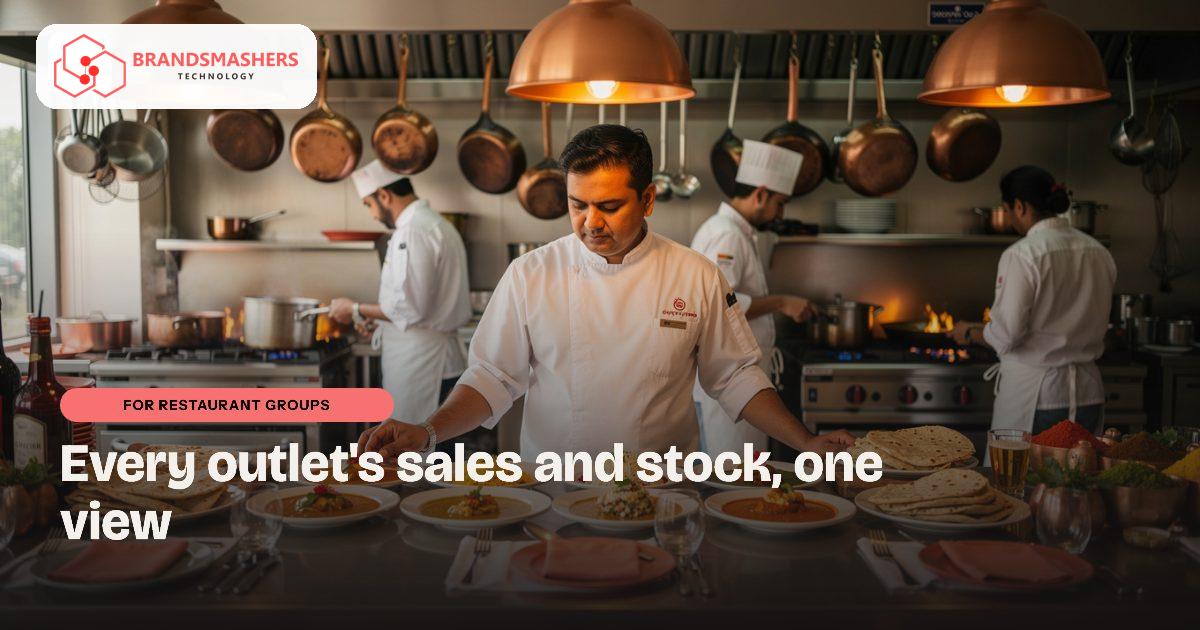
You own several outlets, and each sends its numbers differently. One manager sends a WhatsApp photo of the sales sheet, another emails a spreadsheet late. Food cost is a guess until the month closes, and by then the waste has already happened.
01.Who this is for
This is for restaurant groups in India running several outlets, for example a few restaurants spread across Indore and Bhopal. You have outgrown the current routine if each manager reports in a different way, one by WhatsApp photo and another by a late spreadsheet. Sales come in, but food cost per dish stays a guess until the month closes. Recipes are not updated when vegetable, dairy or oil prices move. You can see which outlet sells more, but not which one actually earns more, and waste is found long after it happened.
02.Why the problem happens
Each outlet usually runs its own billing machine, its own purchase habits and its own stock register. Head office receives the results by message or file and combines them by hand. Dish costs change when vegetable, dairy or oil prices change, but recipes in the menu rarely get updated.
So the owner sees sales fairly quickly but does not see margin per dish or per outlet. Differences between a restaurant in Indore and another in Bhopal stay hidden.
03.What a better system looks like
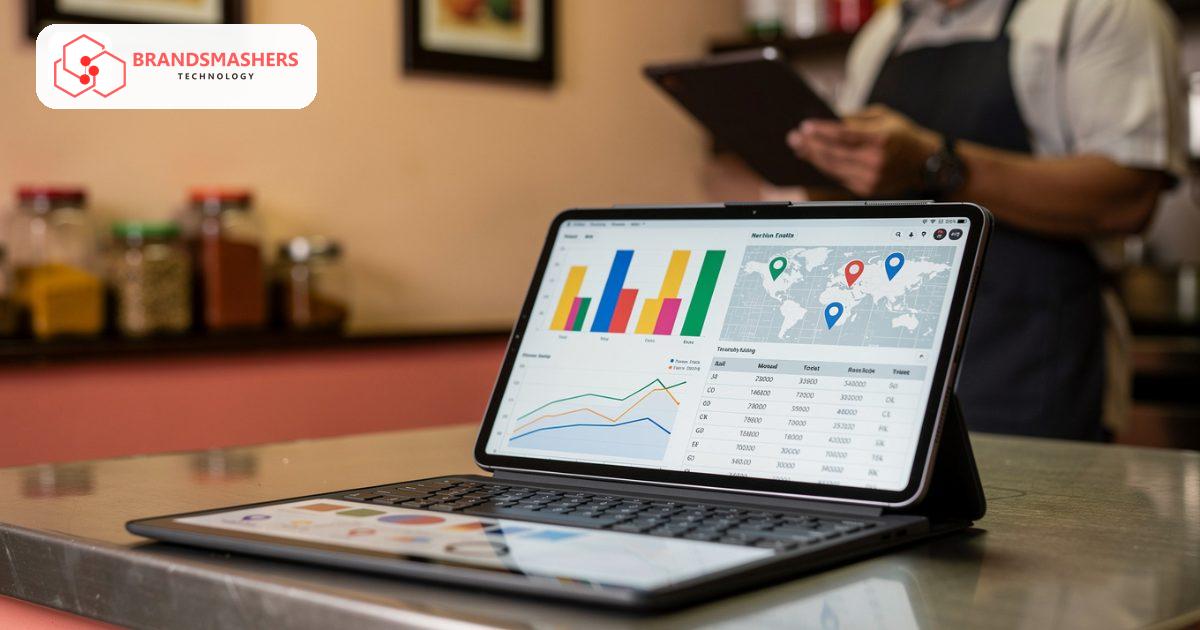
A central dashboard pulls daily sales from every outlet’s billing system into one view: sales by outlet, category and day, compared with earlier periods. It does not replace your point-of-sale; it collects from it.
Inventory tracks what each outlet buys, uses and wastes, with a count at the end of the day or week. Recipe costing links each dish to its ingredients and current purchase prices, so you can see the real cost of a plate and notice when a price change erodes margin.
Purchase invoices and GST details should flow to your accountant in a clean form for Tally, Zoho or whichever tool you use. Follow your adviser’s guidance on tax treatment.
04.How an AI add-on helps
A demand forecast looks at past sales by day and outlet, plus factors such as holidays or local events you record, and suggests how much to prepare and order. Managers can compare the forecast with their own judgement. It reduces over-ordering and stock-outs, but it is a guide, not a promise.
05.What to check before buying any software
- Does it connect to the billing software your outlets already use?
- Can a new outlet be added without a long setup?
- Is stock counting easy enough for kitchen staff on a phone?
- Can recipes be updated in minutes when a price changes?
- Can managers see only their own outlet while you see everything?
06.How a first version comes together
For a restaurant group, the first version usually starts with sales visibility and then moves into the kitchen.
- 01We look at how each outlet bills, buys and counts stock today, and how those numbers reach the owner.
- 02We agree a first version with a central dashboard that collects daily sales from the billing software your outlets already use.
- 03Stock counts and recipe costing are tested at one outlet with the kitchen team, on phones, using real purchase prices.
- 04Once that outlet’s numbers look right, other outlets join, with managers seeing their own outlet and owners seeing all.
- 05Demand forecasting is added after several months of clean sales and stock data, so suggestions have history behind them.
07.Questions buyers ask
- What should multi-outlet restaurant management software in India show first?
- Start with daily sales by outlet, category and day in one view. Then add stock and recipe costing so you can see food cost per dish. Seeing margin, not just sales, is what lets you compare outlets fairly. Managers then see their own outlet in detail while you see the whole group.
- Do we have to change our billing machines?
- No. The dashboard collects sales from the billing system each outlet already uses. It does not replace your point-of-sale. Ask any vendor to confirm it can read from your specific billing software before you agree to anything. Where an outlet uses a less common billing tool, a simple export can bridge the gap at first.
- Can recipes be updated when prices change?
- They should be. Each dish links to its ingredients and current purchase prices, and updating a price should take moments. The new cost then shows in dish margin, so a rise in oil or dairy prices is visible straight away. Kitchen staff count stock on a phone at the end of the day or week, which keeps the recipe costs grounded in real usage.
- How do purchase invoices reach our accountant?
- Purchase invoices and GST details come out in a clean form for Tally, Zoho or whichever tool your accountant uses. Tax treatment follows your adviser’s guidance, and the system simply presents the figures clearly. That keeps month-end closing quicker and gives your accountant fewer questions to send back.
Next step: Tell Brandsmashers how your outlets report today, and we can discuss a dashboard and inventory system built around that routine. Contact us at brandsmashers.com/contact.
NEXT STEP
Need help with this?
KEEP READING
More from the blog.
- FOR CLOUD KITCHENS
Cloud Kitchen Software: Reconcile Aggregator Payouts Without the Spreadsheet Fight
READ ARTICLE - FOR CLOUD KITCHENS
Cloud Kitchen Software in the UAE: Order Hub and Aggregator Reconciliation
READ ARTICLE - FOR HOTELS

Hotel Direct Booking and Housekeeping Software: Keep More of Every Booking
READ ARTICLE