
See Every Franchise Outlet’s Numbers Without Chasing Reports
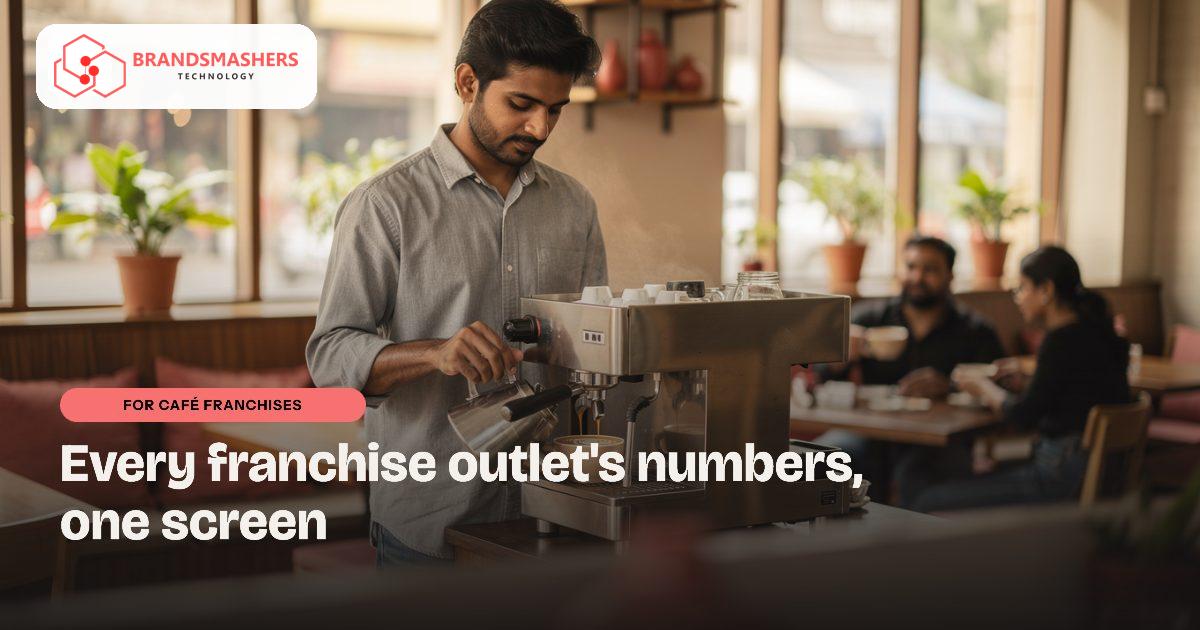
If you run a café brand with franchise outlets, you probably spend the first week of every month asking for sales figures. Each franchisee sends them in a different format and some arrive late. By the time you spot a problem, a month has gone.
01.Who this is for
This is for café brands with franchise outlets, run from a head office that collects sales figures over WhatsApp and email every month. You have outgrown that routine if reports arrive late and in different formats, if royalty numbers are disputed because nobody trusts the source, or if you cannot tell which outlet is overstocked on milk and packaging. Audit visits recorded in a notebook, and problems spotted long after they began, are signs that head office needs one shared view.
02.Why franchise reporting is slow
Franchise outlets often use different billing machines, different spreadsheets and different habits. The head office then collects numbers by WhatsApp or email and rebuilds them into one report. Mistakes and delays are normal, and trust suffers on both sides when numbers are disputed.
Inventory is the other gap. Coffee, milk, packaging and sauces are ordered from central suppliers, but without a shared view you cannot tell whether an outlet is overstocked, running out or wasting more than the rest.
03.What a better system looks like
A good franchise system gives head office and outlets the same facts.
- A dashboard of daily sales by outlet, item and time of day, pulled from billing rather than typed in.
- Inventory per outlet, with orders raised to the central kitchen or supplier and tracked to delivery.
- Royalty and fee calculations based on agreed terms, with statements the franchisee can see.
- Checklists and audit visits recorded on a phone, with photos.
- Role-based access, so each franchisee sees only their own outlet.
It should be able to read sales from the billing software your outlets already use, instead of asking staff to key them in twice. GST and royalty treatment should be confirmed with your accountant.

04.How an AI add-on helps
Sales anomaly alerts watch each outlet’s daily numbers against its own normal pattern and flag unusual changes, such as a sudden drop on a weekend or a spike in discounts or voids. An alert is a prompt to ask a question, not proof of a problem. Your area manager decides what to follow up, and you can tune what counts as unusual.
05.What to check before buying any software
- Can it connect to the billing or POS systems your outlets already use?
- Does each franchisee get their own view with the right limits on what they can see?
- Can you change royalty and fee rules as your franchise agreement evolves?
- Can outlet staff in Bhopal, Indore or smaller towns use it easily on a phone?
- Is your data exportable, and who controls access to it?
06.How a first version comes together
A franchise system's first version should give head office and outlets the same daily numbers before anything else.
- 01List the billing software each outlet uses and walk through how monthly figures reach head office today with your operations lead.
- 02Agree a first version with a daily sales dashboard pulled from billing and role-based access so each franchisee sees only their outlet.
- 03Connect a few willing franchisees first and compare the dashboard against their own records until both sides trust the figures.
- 04Add outlet inventory, orders to the central kitchen or supplier, royalty statements and phone-based audit checklists with photos.
- 05Switch on sales anomaly alerts once the daily data is reliable, letting your area manager tune what counts as unusual.
07.Questions buyers ask
- What does cafe franchise management software need to do first?
- It needs to give head office and franchisees the same daily figures, pulled from billing rather than typed in. Once that dashboard by outlet, item and time of day is trusted, you can add inventory, royalty statements and audit checklists. Starting with reliable sales data avoids building everything else on numbers people dispute.
- Our outlets use different billing machines. Is that a problem?
- It makes the work more detailed but not impossible. The aim is to read sales from the billing software your outlets already use, instead of asking staff to key them in twice. Each system is looked at separately during mapping, and any outlet whose billing cannot be read is flagged early so you can decide what to do.
- Can royalty rules change as our agreements change?
- Yes. Royalty and fee calculations follow the terms you agree with each franchisee, and those rules can be updated when an agreement changes. Franchisees can see their own statements, which reduces arguments about the numbers. GST and royalty treatment should be confirmed with your accountant before the rules are set up.
- How do the anomaly alerts work, and who acts on them?
- Each outlet's daily numbers are compared with its own normal pattern, and unusual changes are flagged, such as a sudden weekend drop or a spike in discounts or voids. Think of an alert as a reason to pick up the phone, not as evidence. Your area manager decides what to follow up and can adjust the sensitivity.
Next step: If your monthly reporting still depends on chasing outlets, talk to Brandsmashers about your workflow and we can outline a dashboard that fits your franchise model: brandsmashers.com/contact
NEXT STEP
Need help with this?
KEEP READING
More from the blog.
- FOR BAKERY AND SWEET CHAINS
Fewer Empty Shelves and Fewer Wasted Sweets Across Your Outlets
READ ARTICLE - FOR BAKERY AND SWEET CHAINS
Get Outlet Orders and Production Right Before the Morning Rush
READ ARTICLE - FOR WEDDING AND EVENT PLANNERS
One Dashboard for Every Vendor and Payment in a Wedding
READ ARTICLE