IIoT explained: what it actually takes to get sensor data working for you
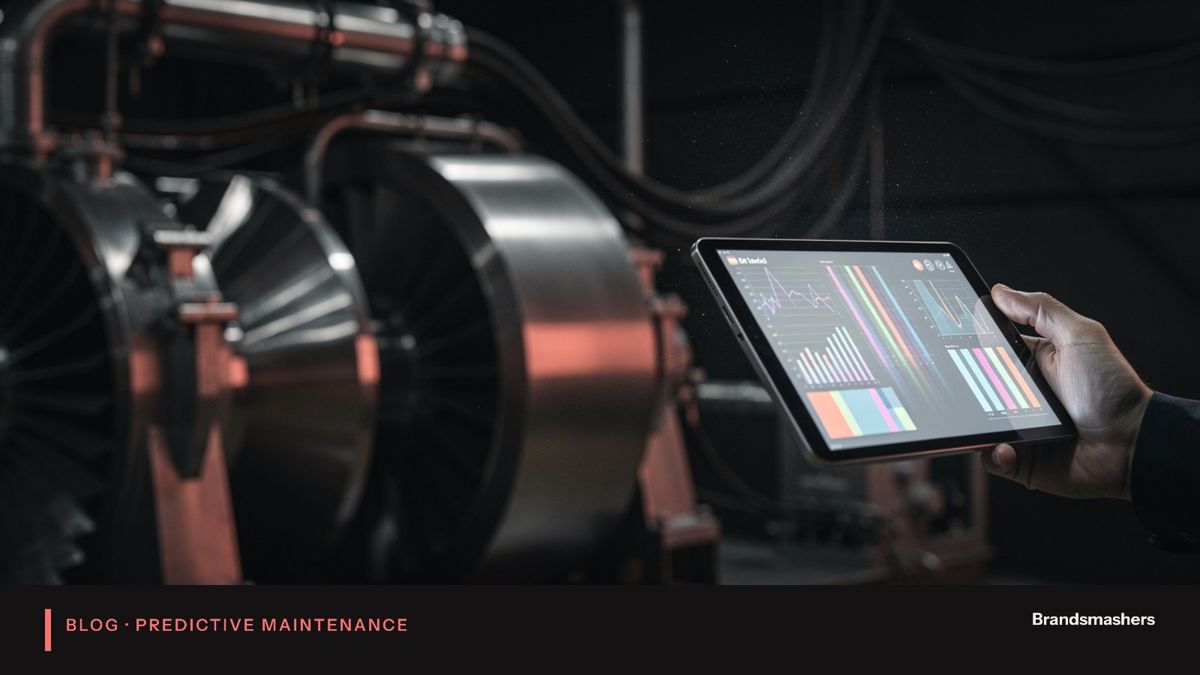
Walk into a plant that has "gone digital" and you may find a wall of dashboards that nobody looks at. The sensors work. The data flows. Yet the machines still break. The problem is not the hardware. It is that the project stopped at collecting data and never reached the person who fixes machines.
Walk into a plant that has "gone digital" and you may find a wall of dashboards that nobody looks at. The sensors work. The data flows. Yet the machines still break. The problem is not the hardware. It is that the project stopped at collecting data and never reached the person who fixes machines.
This article explains what it takes to get sensor data working for you. The thesis is plain: data without action is just storage. Each step below exists to move a signal closer to a maintenance decision.
01.1. Choose which failures matter
Start with the machines and the failures, not the sensors. Pull the breakdown history. Which assets stop the line? Which failures are most frequent, and which are most expensive? Which are slow enough to be warned about?
Not every failure can be predicted. Sudden electrical faults or operator errors may give no warning. Others, such as bearing wear, imbalance, misalignment and overheating, usually develop over days or weeks. Aim at those.
02.2. Pick sensors that capture those signals
Match the sensor to the failure.
- Vibration reveals bearing wear, imbalance, looseness and misalignment in rotating equipment.
- Temperature shows overheating from friction, poor lubrication or electrical load.
- Current shows motor load and can reveal mechanical problems through changes in draw.
Think about placement. A vibration sensor mounted far from the bearing, or on a loose cover, reads noise. Think about sampling rate too. Fast faults need frequent readings, while slow thermal trends do not. Check power, mounting and environment, such as heat, dust and washdown.
03.3. Connect to a gateway and reliable network
Factories are rough on networks. Metal, noise and distance cause drops. Design for that.
Use a local gateway that collects sensor data, adds timestamps and buffers it when the link fails. Choose wired or wireless connections on the basis of site conditions, not preference. Keep the factory network separate from the office network, and give each device an identity so you know what is connected.
04.4. Store and clean the data
Raw readings are messy. Sensors drop out, stick on a value, report spikes and drift. Clocks go wrong. Units differ between devices.
Store raw data unchanged, then clean it in a separate step. Flag gaps and impossible values. Label each reading with the machine, the sensor and, where you can, the operating mode. A machine at full speed vibrates differently from one at idle, so mode matters.
05.5. Set alerts and baselines
An alert needs a reference. A baseline is what normal looks like for that machine in that mode. Collect a few weeks of data, then set thresholds from the machine's own behaviour, not from a generic rule.
Begin with simple rules: sustained rise above baseline, fast rate of change and growing variation. Add models later, once you have a record of faults and clean data. Require an alert to persist for a window before it fires. Review every alert with the maintenance team in the early weeks, and mark each as useful or not.
06.6. Connect alerts to maintenance work orders
This is where most projects fall short. A dashboard warning is only a suggestion. A work order is a commitment. Link alerts to your maintenance system so that a confirmed warning creates a job, with the machine, the symptom, the urgency and a suggested action.
Agree who owns each alert, how fast they respond and what "closed" means. Feed the outcome back: was a fault found? That feedback improves your rules.
07.Choosing a gateway and network
The gateway is the unglamorous part that decides whether the project works. It sits between sensors and the cloud, and it has several jobs: collect readings, stamp them with the right time, buffer them when the connection drops, and send them on securely.
Ask these questions. How long can it hold data offline? Can it run simple checks locally, such as filtering stuck values? Does it support the protocols your machines and sensors use? Can you update it remotely and safely? What happens if it loses power?
On the network side, think about distance, interference and who owns the infrastructure. Wired links are the most reliable. Wireless is easier to retrofit but needs a site survey. Cellular can bridge sites with weak networks, at a running cost. Whichever you choose, test it on a bad day, not on the day of the demo.
08.Edge or cloud
Edge processing means doing some work near the machine. Cloud processing means sending data away for analysis. Most plants use both.
Edge suits fast decisions, large raw data and poor connectivity. You might compute a vibration summary every minute at the gateway and send only the summary. Cloud suits fleet-wide comparison, long history and model training. A sensible split is: summarise at the edge, store and analyse in the cloud, and send alerts to people wherever they are.
09.Security you cannot skip
Connected machines widen your attack surface. Give every device a unique identity. Encrypt data in transit. Keep the machine network separate from the office network. Change default passwords on day one, and plan how you will patch devices. Decide who may reach which device, and log their access. A sensor project that weakens plant security is not worth running.
10.A short checklist
- Failure history reviewed and critical machines ranked.
- Sensors matched to the failure types.
- Gateway buffers data and handles dropouts.
- Raw data kept, cleaned data labelled by mode.
- Baselines set per machine.
- Every alert has an owner and a response step.
11.An example from the floor
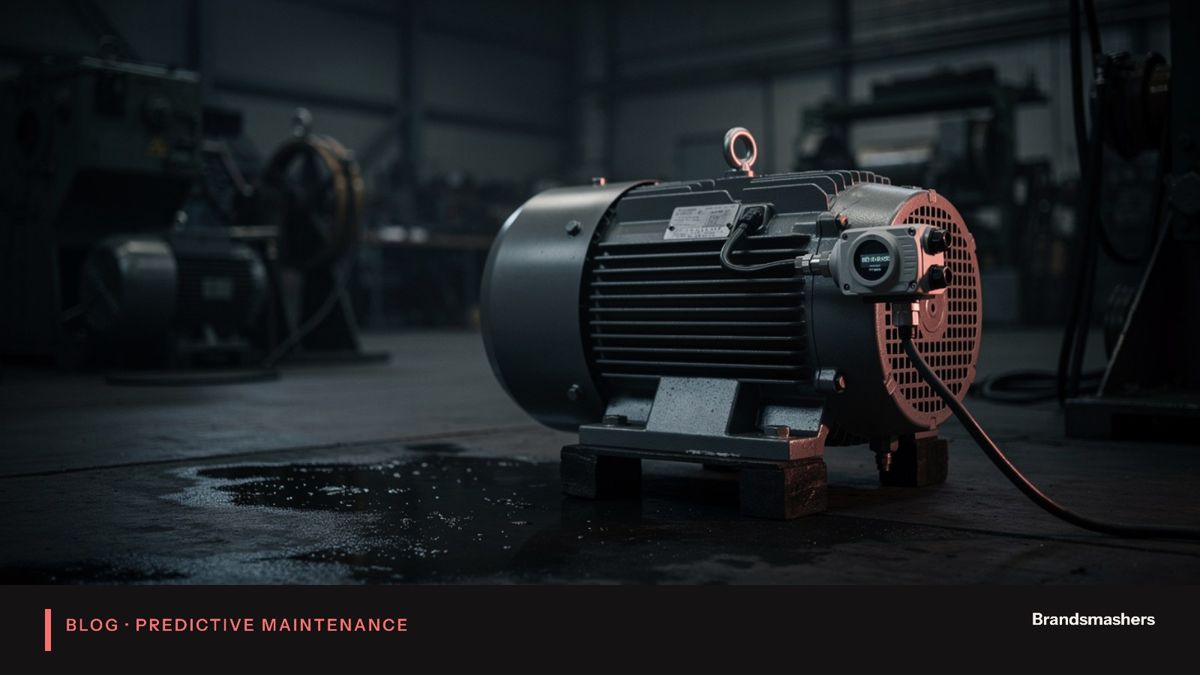
Take a conveyor motor that has failed twice in a year. The first step is to ask what happened each time. Say the cause was a worn bearing both times. Bearings usually give signs before they fail: vibration at certain frequencies rises, and temperature creeps up. So you mount a vibration and temperature sensor near the bearing, collect a few weeks of data in normal running and set a baseline.
Three months later, the vibration trend starts to climb while the load is unchanged. The alert reaches the maintenance planner, who checks the machine, confirms the noise and raises a work order. The part is ordered and fitted in the next planned stop. Nobody calls it a success story, because nothing happened. That is the point.
12.Common mistakes
- Instrumenting everything. Start with the machines that cost most.
- Buying sensors before choosing failures. The data will not answer your questions.
- Ignoring operating mode. Normal changes look like faults.
- Alert overload. Too many false alerts and the team stops reading.
- No link to work orders. Warnings stay on a screen.
13.Who should be in the room
Include the people who touch the machine every day. Operators know that a certain press rattles after a cold start. Maintenance technicians know which bearing always goes first. Electricians know where cabling is awkward. Their knowledge shapes which signals to capture and which alerts are credible. Run a short workshop at the start, and invite them again when you review the first month of alerts. Projects that skip this step tend to produce alerts the floor ignores, which is the quickest way to waste the investment.
14.What to do next
Choose three machines. List their last five failures. Decide which signals might have warned you. Pilot those, set baselines and run for a few weeks with the maintenance team. Then decide on rollout.
Brandsmashers builds the whole chain, from sensor choice and pipelines to dashboards and work-order links, and we begin with your failure history. If you want a hand scoping a pilot, we are glad to help.
NEXT STEP
Need help with this?
KEEP READING